Reception Workflow Automation That Books More
July 3, 2026
Reception workflow automation helps service businesses capture every inquiry, book faster, reduce missed calls, and cut front-desk admin load.
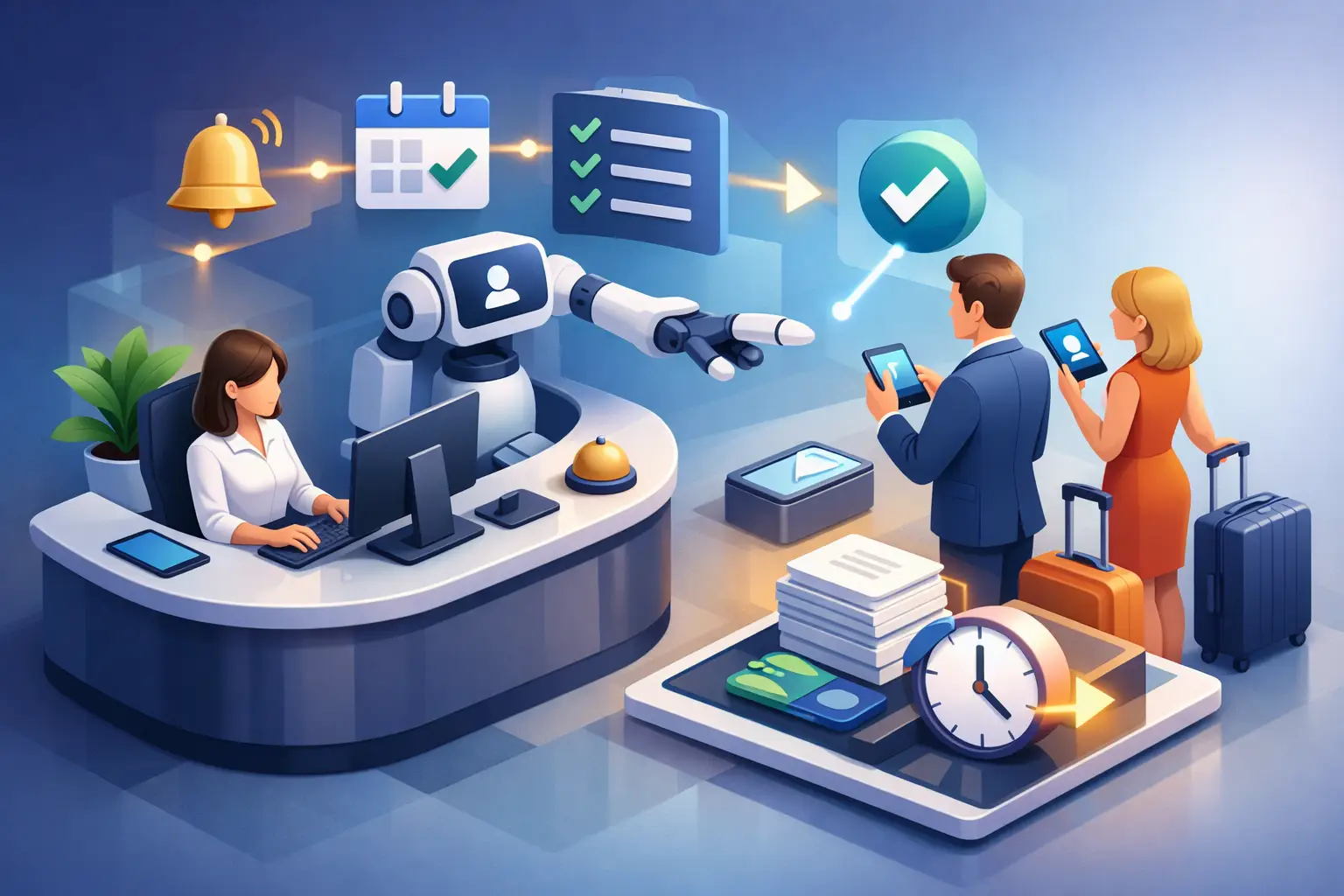
Every missed call has a cost, but the bigger problem is what happens next. A voicemail sits unanswered, a scheduling email waits in a shared inbox, and a potential customer books somewhere else. Reception workflow automation fixes that front-desk gap by handling inquiries, scheduling, confirmations, and follow-up tasks in a consistent system instead of leaving them to whoever is available.
For appointment-driven businesses, this is not a nice-to-have process improvement. It directly affects booking volume, staff workload, and how reliably your business responds when customers are ready to act. If your front desk still depends on manual callbacks, paper notes, and inconsistent coverage, automation is usually less about replacing people and more about removing failure points.
What reception workflow automation actually covers
Reception workflow automation is the set of systems and rules that manage inbound communication and appointment activity without requiring a staff member to handle every step manually. That includes answering common inquiries, collecting lead details, routing messages, scheduling appointments, sending confirmations, and following up when a customer does not complete the booking.
In practice, the workflow starts the moment a call, text, or web inquiry comes in. Instead of relying on a receptionist to answer every contact in real time, the system responds immediately, gathers the needed information, and moves the customer to the next step. If the request is simple, the workflow can finish the job on the spot. If the issue needs staff attention, it can be routed correctly with context attached.
That distinction matters. Good automation does not just send auto-replies. It handles front-desk work in a way that reduces delay, protects scheduling accuracy, and keeps communication moving.
Why manual reception breaks under normal demand
Most service businesses do not have a front-desk problem because staff are underperforming. They have a front-desk problem because demand is uneven and interruptions are constant. Calls come in while employees are checking in customers, handling billing questions, or helping with in-office operations. Even a strong team misses opportunities when too much depends on live availability.
Manual reception also creates inconsistency. One employee asks the right intake questions, another forgets to confirm availability, and another leaves incomplete notes for a callback. Over time, that inconsistency shows up as slower booking, more no-shows, repeat customer frustration, and avoidable administrative work.
After-hours coverage is another common weak point. Many inquiries happen outside business hours, especially for services customers plan around work, family, or urgent needs. If the next step is "leave a message and wait," conversion drops. Reception workflow automation gives those inquiries a path forward instead of pushing them into a backlog.
Where automation delivers the biggest operational gains
The first gain is speed-to-lead. When someone reaches out, fast response matters more than most teams realize. A customer who gets an immediate answer, a clear next step, and an appointment option is much more likely to book than one who has to wait for a callback.
The second gain is scheduling throughput. Front-desk staff spend a surprising amount of time on repetitive scheduling tasks - checking availability, confirming appointment types, sending reminders, and rescheduling missed bookings. Automating those steps reduces manual load without lowering service quality.
The third gain is consistency. Every inquiry can be handled with the same logic, the same required information, and the same follow-up cadence. That means fewer dropped leads, fewer incomplete handoffs, and fewer situations where staff have to reconstruct what happened from scattered notes.
There is also a labor impact, but it should be viewed correctly. Reception workflow automation does not always reduce headcount. In many businesses, it reduces the need to hire additional front-desk coverage just to keep up with volume. It can also let experienced staff focus on higher-value customer interactions instead of repetitive scheduling work.
How reception workflow automation should work in a real business
A useful reception workflow starts with intake. The system should answer inbound communication promptly and capture the details your team actually needs - not just a name and phone number, but the service requested, preferred timing, urgency, and any routing information required for the next step.
From there, the workflow should determine whether the appointment can be scheduled immediately or whether the inquiry needs review. Some businesses have simple booking logic and can automate most of the process. Others need approval rules, service-specific scheduling, or provider assignment. The right setup depends on how standardized your operations already are.
Confirmation and reminder communication should happen automatically once an appointment is booked. That includes clear details, expected next steps, and rescheduling options when appropriate. This is where automation often pays off quickly because it removes repetitive manual outreach while improving consistency.
The follow-up layer is just as important. Not every inbound inquiry becomes a booking on the first interaction. A strong workflow continues the conversation when needed, whether that means sending a reminder to complete scheduling, routing a message to staff, or re-engaging leads that came in after hours.
The trade-offs business operators should understand
Reception workflow automation works best when your process is defined. If your front desk handles every inquiry differently, automation will expose that problem quickly. You may need to standardize appointment types, intake questions, routing rules, and scheduling windows before the system can perform well.
There is also a difference between automating volume and automating complexity. High-volume, repeatable interactions are ideal for automation. Highly specialized conversations may still need staff involvement. The goal is not to force every customer into the same path. It is to automate the predictable parts and escalate the exceptions cleanly.
Another trade-off is tone control. Businesses want fast response, but they also want communication to feel accurate and professional. That means the automation layer needs to reflect how your front desk should operate, not just how software is configured. Generic responses can create friction even when they are technically fast.
This is why receptionist-specific automation usually performs better than broad chatbot tools for appointment-driven businesses. Front-desk work is operational. It depends on intake, scheduling logic, handoffs, and follow-up discipline. If the system is not built around those functions, teams often end up with more noise instead of less work.
What to look for in a reception workflow automation system
The first requirement is reliability. If a system cannot consistently capture inquiries and respond in real time, it is not improving reception - it is adding another point of failure. Businesses should look for tools designed to handle inbound contact as a core function, not as an add-on feature.
The second requirement is appointment handling. Many tools can answer basic questions. Fewer can manage the actual scheduling workflow in a way that supports real front-desk operations. That includes collecting the right information, matching appointments correctly, and maintaining communication before and after booking.
The third requirement is workflow control. Operators need visibility into what happens when an inquiry comes in, when it gets routed, what triggers follow-up, and where staff should step in. Automation should make the process easier to manage, not harder to audit.
The fourth requirement is business fit. A local service company, a multi-provider office, and a high-volume appointment business may all need different logic. The best setup is the one that aligns with your actual front-desk workload and customer expectations.
For businesses evaluating options, this is where a focused provider like Ortuas fits naturally. The value is not abstract AI. It is dependable receptionist coverage that captures inquiries, handles appointments, and keeps customer communication moving when staff are busy or unavailable.
Signs your front desk is ready for automation
If your team regularly returns calls late, manually confirms appointments, or struggles to keep up with after-hours inquiries, the case is already there. If your booking process depends on one experienced employee knowing how everything works, that is also a risk worth fixing.
Another sign is when growth creates administrative drag. More inquiries should mean more revenue, but for many businesses it just means more interruptions, more scheduling friction, and more missed follow-up. Reception workflow automation helps convert demand into appointments without scaling front-desk strain at the same rate.
It also becomes more valuable when consistency matters across locations, providers, or shifts. A standardized workflow protects service quality because every inquiry follows the same operational rules.
What better reception looks like after automation
The visible change is faster response. The more important change is that your front desk becomes a system instead of a scramble. Inquiries are captured, appointments move forward, routine communication happens on time, and staff spend less energy chasing tasks that should have been handled automatically.
That does not remove the human side of customer service. It makes room for it. When repetitive reception work is managed properly, your team can focus on the moments where judgment, reassurance, and personal attention actually matter.
If your business depends on appointments, reception is not just administrative overhead. It is part of revenue operations. Treating it that way usually leads to a simple question: how much longer should booking and inquiry handling depend on whoever happens to be free when the phone rings?
Get tips like this in your inbox
We send practical guides on AI, automation, and growing your service business. No spam.