Live Answering vs Automated Intake: What Wins?
August 4, 2026
Compare live answering vs automated intake for appointment-driven businesses. See where each model improves response time, booking, and costs at scale.
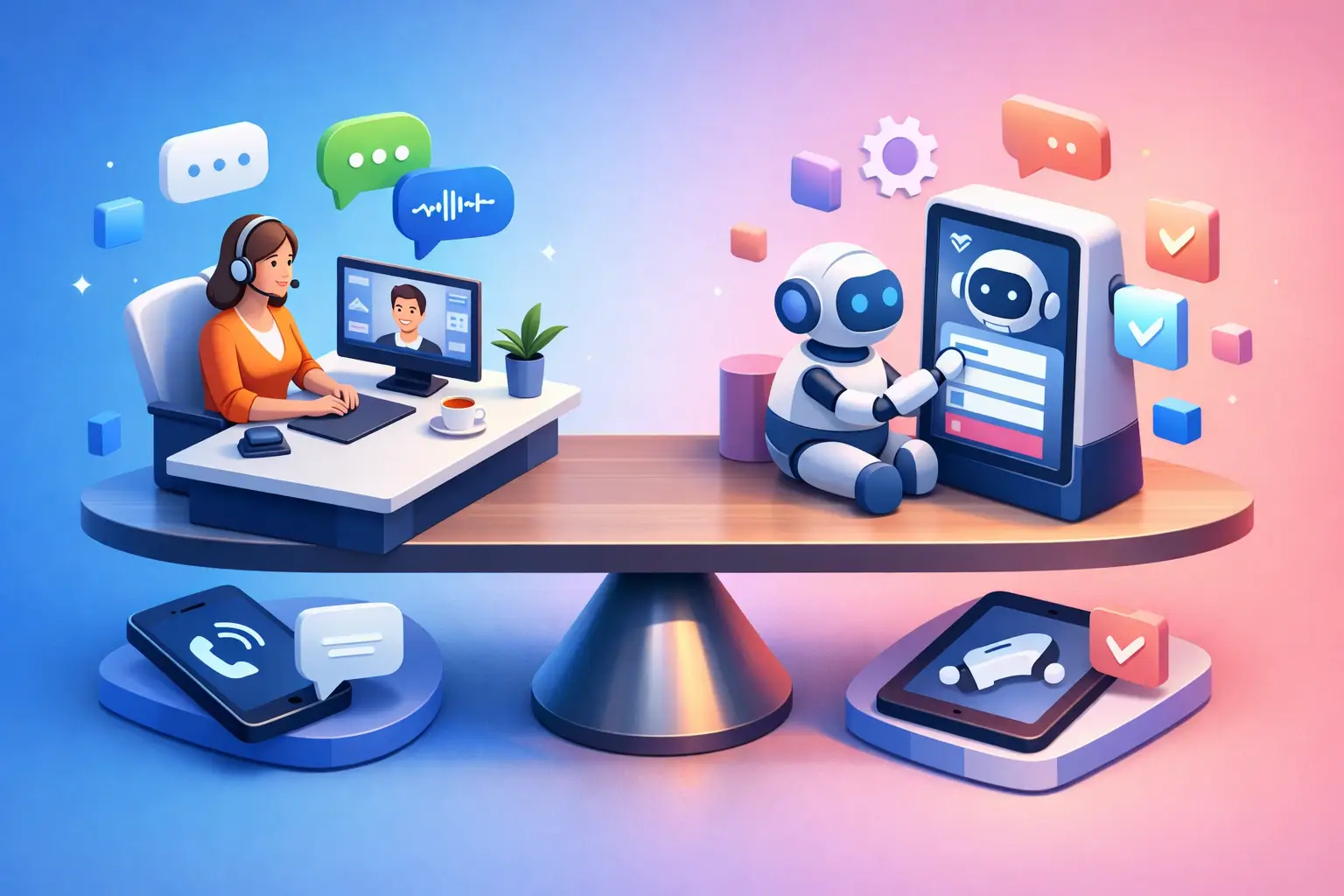
A new patient calls at 7:12 a.m. A homeowner requests a same-day estimate during lunch. A returning client needs to move an appointment after the office closes. The live answering vs automated intake decision determines whether those requests become booked work, a callback task, or a missed opportunity.
For appointment-driven businesses, this is not primarily a technology preference. It is a front-desk operating decision. The right model depends on call volume, scheduling complexity, customer expectations, and the cost of delayed response.
What Live Answering Does Well
Live answering puts a person on the phone to greet callers, answer questions, take messages, and often schedule appointments. It can be handled by an internal receptionist, a remote employee, or an outsourced answering service.
Its strongest advantage is judgment. A trained person can hear uncertainty in a caller's voice, recognize when an issue needs urgent escalation, and adapt to a conversation that does not fit a standard script. That can matter for sensitive services, complex cases, high-value sales conversations, or situations where customers expect personal guidance before committing.
A live receptionist can also manage exceptions without requiring a caller to repeat information. If a customer says, "I need the last appointment this week, but only with a specific provider," a person can weigh availability, preferences, and office policy in real time.
The trade-off is consistency and coverage. A live team has breaks, shift changes, vacations, turnover, and training requirements. Coverage after hours or during peak call periods usually means more staffing cost. Even a capable receptionist may be pulled away by an in-office visitor, paperwork, or another call just as a new lead reaches out.
Live answering works best when conversations frequently require discretion and when the business has enough margin to support dependable human coverage.
Where Automated Intake Performs Better
Automated intake uses an AI receptionist or automated communication workflow to answer inbound inquiries, collect details, route questions, and handle scheduling. It is designed for repeatable front-desk work that needs to happen quickly and consistently.
For many service businesses, speed is the immediate benefit. An automated receptionist can respond as soon as an inquiry arrives, including evenings, weekends, and periods when the office is busy. It can confirm basic service needs, collect contact information, offer appointment options, send confirmations, and document the interaction without waiting for someone to become available.
That matters because most missed opportunities are not caused by poor service. They are caused by a gap in coverage. The phone rings while staff are assisting another customer. A web inquiry arrives after closing. A voicemail is returned hours later, after the prospect has called another provider.
Automated intake also standardizes the process. Every caller can be asked for the same essential information. Every appointment can follow the same booking rules. Every confirmation can be sent on time. This reduces administrative variation and makes it easier for an office manager to see what happened with each inquiry.
The limitation is that automation must be configured around clear business rules. If schedules are poorly maintained, service categories are vague, or escalation paths are undefined, an automated process will expose those operational gaps rather than solve them. Automation is most effective when the business knows what information it needs, which appointments can be booked, and when a human should take over.
Live Answering vs Automated Intake for Scheduling
Scheduling is where the difference becomes most visible. A live receptionist can negotiate unusual requests and use personal familiarity with customers or providers. That is valuable when each appointment has unique requirements or when staff availability changes constantly.
Automated intake is stronger when scheduling follows defined rules. If the system knows appointment types, durations, availability, service areas, required customer details, and booking restrictions, it can move qualified inquiries directly toward a confirmed slot. It can also handle routine reschedules and confirmations without adding more work to the front desk.
The key question is not whether people or automation can schedule. Both can. The question is how much of the schedule is predictable enough to automate.
A dental office may automate new-patient requests, appointment reminders, and routine rescheduling while routing treatment questions to staff. A home service company may automate estimate requests and service-area qualification while escalating emergency or technically complex calls. A professional office may use automation to capture every inquiry and reserve live staff time for conversations that require expertise.
The Cost Comparison Is More Than Payroll
Labor cost is the obvious difference. Live coverage requires wages or answering-service fees, plus training, management, and coverage for absences. Automated intake typically provides broader availability without adding cost for every additional hour of coverage.
But payroll alone does not show the full picture. Businesses should also measure the cost of missed calls, slow callbacks, incomplete lead records, appointment no-shows, and receptionist time spent repeating the same administrative steps.
A front desk employee who spends much of the day confirming appointments, gathering basic intake details, and returning missed calls has less time for customers who are physically present or situations that need careful attention. Automated intake can reduce that administrative load while creating a cleaner handoff for staff.
There is also a quality-control cost. With human-only coverage, performance can vary by employee, shift, and workload. With a well-designed automated receptionist, the first response, intake questions, and scheduling workflow remain consistent. That consistency is especially useful for businesses growing across multiple locations, adding providers, or dealing with seasonal call spikes.
When a Human Should Stay in the Loop
Automated intake should not force every caller through the same path. Some situations require a person quickly: urgent safety concerns, billing disputes, highly emotional conversations, unusual service requests, or questions that require professional judgment.
The practical model is often not replacement versus retention. It is structured coverage. Automation handles the high-volume, repeatable front-desk tasks and captures inquiries when staff are unavailable. Human team members receive escalations with the caller's information already collected, so they can focus on resolution rather than starting from scratch.
This model also protects staff from becoming a bottleneck. Rather than asking employees to answer every call immediately, businesses can define which requests deserve immediate human attention and which can move through a reliable intake and scheduling process.
For example, an AI receptionist from Ortuas can provide always-on intake, appointment handling, and customer communication while the office team manages exceptions and higher-touch conversations. The result is not less service. It is more consistent coverage for routine requests and better use of staff time where it matters most.
How to Choose the Right Model
Start with the call types your business receives most often. Review a representative week of calls, texts, forms, and voicemails. Identify how many involve new leads, appointment booking, rescheduling, status questions, urgent issues, or requests that require a specialist.
Then examine response time. If leads routinely wait until the next business day for a reply, or if staff miss calls during busy periods, coverage is likely the larger problem. If most calls are complex and require detailed judgment, live answering may need a larger role.
Finally, look at the handoff. A good intake process does not merely answer a call. It captures the right details, applies the right scheduling rules, confirms the next step, and gives staff enough context to act without asking the customer to repeat themselves.
The strongest front desk is not defined by whether every interaction is live or automated. It is defined by whether every inquiry receives a timely, accurate response and a clear path to an appointment. Build coverage around that standard, and the right mix becomes much easier to see.
Get tips like this in your inbox
We send practical guides on AI, automation, and growing your service business. No spam.