How to Route Inbound Service Inquiries
June 29, 2026
Learn how to route inbound service inquiries faster with clear rules, smart triage, and appointment-first workflows that reduce missed revenue.
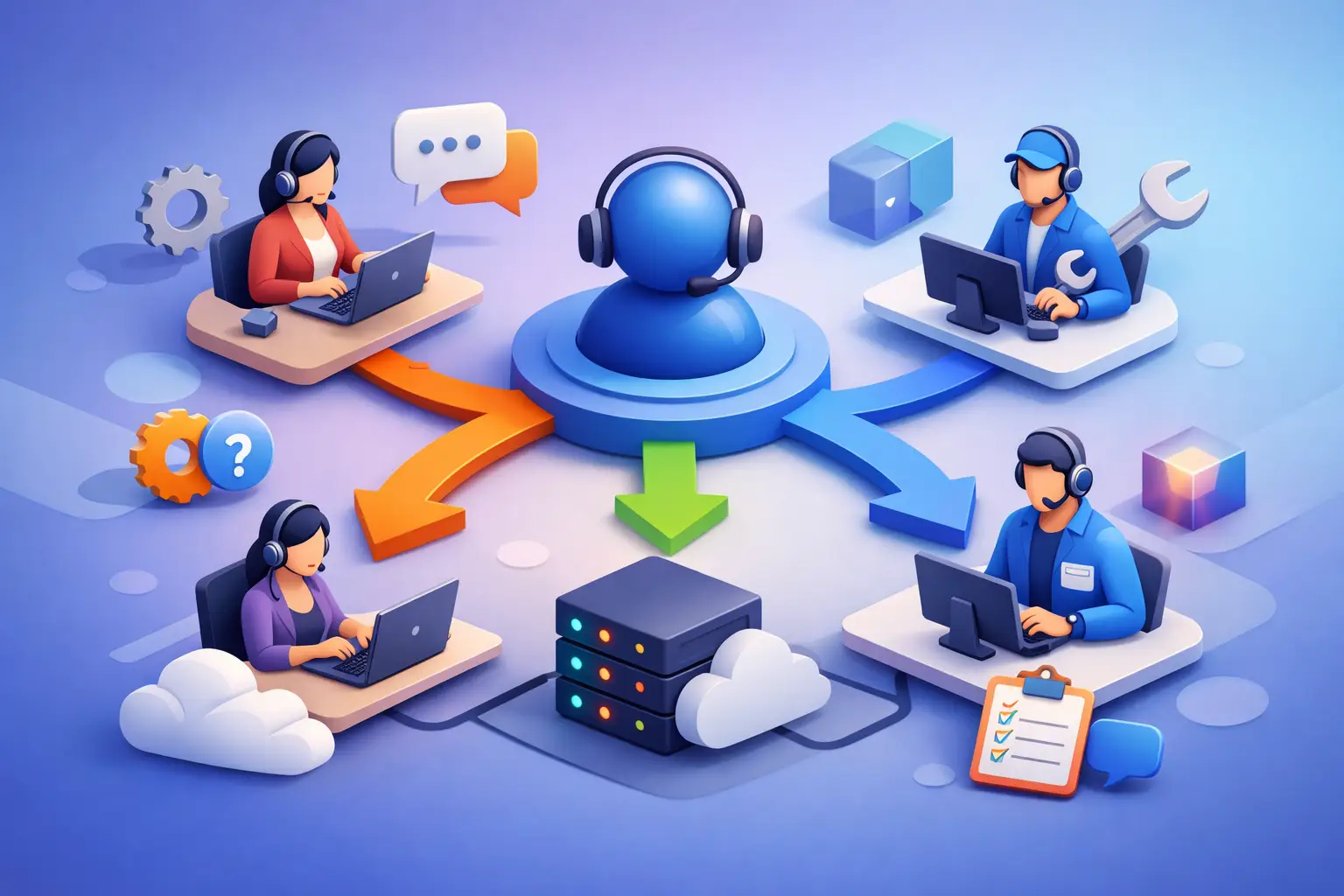
A missed inquiry rarely looks dramatic in the moment. It shows up as a voicemail no one returns, a web form that sits too long, or a scheduling question that lands with the wrong person and stalls. If you want to know how to route inbound service inquiries well, start by treating routing as a revenue process, not just a front-desk task.
For appointment-driven businesses, routing determines whether a customer gets booked, gets reassured, or gives up and calls the next provider. The goal is not to move messages around faster for its own sake. The goal is to get each inquiry to the right next action with as little delay and friction as possible.
What good routing actually does
Most service businesses think about inbound inquiries in terms of channels - phone calls, texts, website forms, and after-hours messages. That matters, but it is not the real routing problem. The real problem is classification. What is this person trying to do, how urgent is it, and who or what should handle it first?
A strong routing system answers those questions immediately. Some inquiries should go straight to scheduling. Some should be answered with standard business information. Some need escalation to a manager or provider. A few should be filtered out because they are sales calls, spam, or requests outside your service scope.
When routing is unclear, staff compensate manually. They ask the same intake questions repeatedly, transfer calls, tag messages inconsistently, and rely on memory to decide what matters. That creates slower response times and uneven customer experiences. It also makes reporting almost useless because the categories are inconsistent from one person to the next.
How to route inbound service inquiries without creating bottlenecks
The fastest routing models are usually the simplest. They do not try to create a unique path for every possible scenario. Instead, they group inquiries into a small set of operational categories tied to clear actions.
For most service businesses, those categories are enough to start: new appointment requests, existing appointment changes, service questions, urgent issues, billing or account questions, and non-customer calls. Once every inbound inquiry lands in one of those buckets, you can define what happens next.
A new appointment request should move toward booking as quickly as possible. That may mean immediate scheduling, qualification for the right service type, or collecting enough detail for a callback with a clear handoff. Existing appointment changes usually need direct access to the schedule. General service questions may be resolved by a receptionist layer if the answer is standardized. Urgent issues need escalation rules. Billing questions may need office staff. Non-customer calls should be filtered early so they do not consume front-desk capacity.
The trade-off is that simpler categories are easier to run, but they may hide nuance. If your business has multiple departments, highly specialized services, or regulated workflows, you may need subcategories. Still, the top-level structure should stay lean. If your team cannot remember the routing logic without a manual, it is too complex.
Start with intent, not channel
A common mistake is routing phone calls one way, texts another, and website forms another. That sounds organized, but it often produces fragmented handling. A caller asking to reschedule and a texter asking to reschedule should not enter two different operational systems.
Route by customer intent first. Channel should shape the response method, not the business logic. If the intent is to book, the workflow should prioritize booking. If the intent is to ask whether you offer a service, the workflow should prioritize qualification. If the intent is urgent, the workflow should trigger escalation regardless of where it came from.
This matters even more after hours. A late-night voicemail, missed call, or web form often represents the same thing: an active buying moment. If your routing logic treats after-hours inquiries as a low-priority inbox instead of an appointment pipeline, you lose conversion before the day begins.
Build routing rules around next action
The most useful way to design routing is to define the next action for each inquiry type. That keeps the process operational instead of theoretical.
For example, if a prospect asks about availability, the next action is not “send to front desk.” It is “offer appointment times or capture booking details.” If a customer wants to confirm tomorrow’s appointment, the next action is “verify appointment status and respond.” If someone reports an urgent service issue, the next action is “escalate to on-call staff within a defined timeframe.”
That distinction matters because departments and staffing can change. Next actions are more durable than job titles. A routing system built around actions can be handled by trained staff, automation, or a mix of both without rewriting the entire process.
The three questions every workflow should answer
Every inbound path should answer three questions quickly: what does the customer need, can this be resolved immediately, and if not, who owns the handoff?
If you cannot answer those consistently, inquiries will bounce between people or sit in queues with no owner. Ownership is where many service businesses break down. A message is forwarded, but no one is responsible for closure. Good routing does not stop at transfer. It assigns responsibility for the next customer-facing step.
Where automation fits best
Automation works best at the front of the routing process, where speed and consistency matter most. That includes answering common inquiries, collecting intake details, identifying intent, and handling straightforward scheduling workflows.
This is especially effective for businesses that depend on appointment throughput. An AI receptionist can capture inquiries the moment they come in, ask structured intake questions, route based on predefined rules, and move bookable customers toward an appointment without waiting for a staff member to become available.
The benefit is not just labor reduction. It is standardization. Every inquiry gets the same initial coverage, the same categorization logic, and the same booking opportunity. That matters when call volume spikes, staff are busy, or after-hours demand is high.
The limit is that not every inquiry should be automated end to end. Sensitive complaints, unusual service requests, and edge cases may still need a person. The right setup automates the repeatable front-desk layer and escalates exceptions cleanly.
How to measure whether routing is working
If you only track total call volume, you will miss the real picture. Routing performance should be measured by what happens after contact begins.
Look first at speed to first response, booking rate for new inquiries, percentage of inquiries resolved without manual rework, and the number of inquiries that require follow-up because they were misrouted. If reschedules are backing up, that is a routing issue. If simple service questions regularly hit managers, that is a routing issue. If after-hours inquiries convert poorly, that is also a routing issue.
You should also look at inquiry aging. How many inbound requests remain unresolved after one hour, four hours, or one business day? Aging reveals where the handoff model breaks. It also shows whether your routing categories are actually actionable or just labels.
Signs your current setup needs work
You likely need to change your routing model if staff regularly ask who should handle what, customers repeat their issue multiple times, appointment requests wait behind low-value calls, or after-hours messages pile up until morning. Another warning sign is when your best front-desk employee seems to be the system. That works until they are out, overloaded, or leave.
Common routing mistakes to avoid
The first mistake is sending too much to live staff by default. It feels safe, but it creates congestion and increases response times for the inquiries that actually need human judgment.
The second is overbuilding the decision tree. If every inquiry type has five branches and three exceptions, staff will bypass the system. Customers will also feel that complexity through longer conversations and more transfers.
The third is separating booking from inquiry handling. In many service businesses, the person answering questions and the system managing appointments operate as two disconnected functions. That slows conversion. If the inquiry is bookable, the routing process should push directly toward scheduling.
A fourth mistake is ignoring after-hours routing. Many businesses still treat nights and weekends as dead zones, even though that is when many customers first reach out. Reliable reception coverage during those periods often has an outsized effect on booked volume.
A practical model for service businesses
For most appointment-driven operations, the best routing model is straightforward: capture every inquiry immediately, identify intent, handle scheduling whenever possible, answer standard questions consistently, and escalate only the exceptions.
That is why many operators are moving receptionist functions into a dedicated automation layer instead of relying entirely on voicemail, overflow forwarding, or ad hoc staff coverage. A system like Ortuas fits that model because it focuses on the front-desk work that directly affects booking and response consistency rather than trying to replace every support function in the business.
The point is not to remove people from the process. It is to stop using skilled staff for repetitive triage when a structured receptionist workflow can do that first pass faster and more reliably.
Routing works when customers feel momentum. They ask a question, and something useful happens right away. They request an appointment, and the business moves them toward the calendar instead of toward a queue. That is the standard worth building toward, because every inquiry is either becoming revenue or becoming a leak.
Get tips like this in your inbox
We send practical guides on AI, automation, and growing your service business. No spam.