How to Automate Booking Confirmations
May 10, 2026
Learn how to automate booking confirmations to reduce no-shows, speed response times, and keep appointment scheduling accurate and consistent.
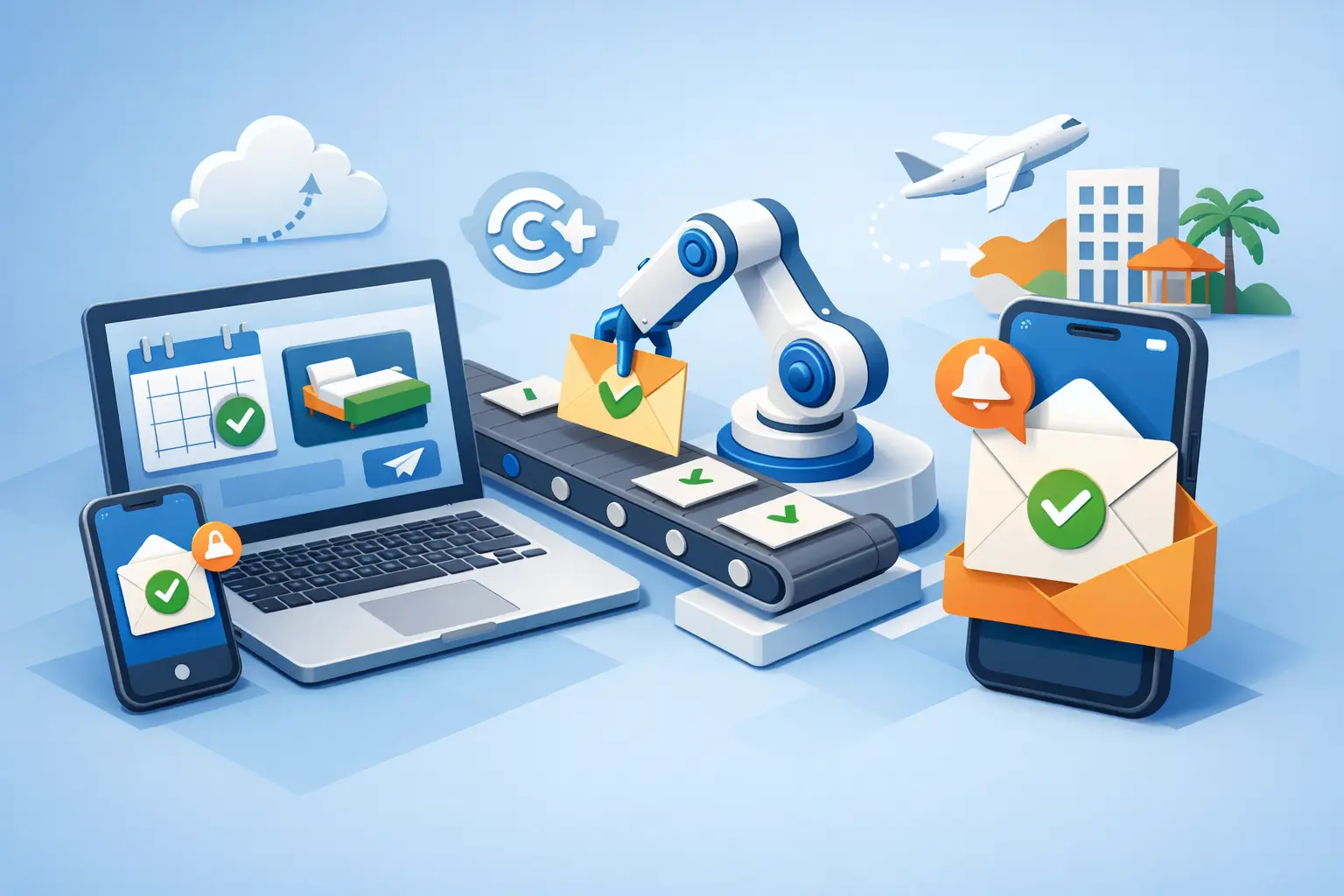
A customer books at 8:47 PM. If your confirmation process starts the next morning, you have already created avoidable friction. That is why service businesses keep asking how to automate booking confirmations - not as a nice extra, but as a front-desk requirement.
The right setup does more than send a basic message. It confirms the appointment, reinforces the details, answers the next obvious question, and reduces the manual follow-up your staff handles all day. When confirmations are delayed, inconsistent, or dependent on whoever is at the desk, the cost shows up in no-shows, scheduling errors, and missed opportunities to secure the booking.
Why automate booking confirmations now
For appointment-driven businesses, confirmations sit at the intersection of revenue and operations. They affect whether a customer shows up, whether they trust the process, and whether your team spends its time on scheduling work instead of higher-value tasks.
Manual confirmations break down in predictable places. After-hours bookings may wait until business hours. Busy front-desk teams may send different wording depending on who is working. Some customers want text, others prefer email, and some need a quick reply to a basic question before they feel fully committed to the appointment.
Automation fixes consistency first. Every customer gets the right message, at the right time, with the right appointment details. It also improves speed. A confirmation sent immediately after booking removes uncertainty and gives the customer a clear record of what happens next.
That matters even more for businesses that depend on inbound calls and fast booking conversion. If confirmation is slow, the customer may keep shopping, call back with duplicate questions, or forget they booked at all.
How to automate booking confirmations without creating more work
The goal is not to stack more software onto an already messy process. The goal is to make booking confirmation part of one dependable workflow.
Start by mapping your current appointment path. Look at where bookings come from, what information customers provide, what your staff manually confirms, and how follow-up happens after the appointment is placed on the calendar. Most businesses find that confirmation work is scattered across phone calls, scheduler notifications, text threads, and inboxes.
Once you see the process clearly, the automation decision gets simpler. You need a system that can capture the booking event, trigger a confirmation immediately, and continue communication if the customer replies or needs to reschedule. If your workflow stops at a one-way message, you may reduce a small amount of admin work, but you have not really solved front-desk coverage.
A practical confirmation workflow usually includes the appointment type, date, time, location or service format, and the next expected action. Depending on the business, that next action might be filling out intake forms, replying to confirm, calling if they need to change the time, or simply arriving a few minutes early.
The trade-off is that more detail can reduce follow-up questions, but overly long confirmations get ignored. The best messages are short, specific, and operationally useful.
What your automated confirmation workflow should include
Automation works best when it reflects the real booking conditions of your business. A salon, med spa, legal office, home service provider, and therapy practice do not all need the same message logic.
Still, most businesses benefit from the same core structure. First, the booking should trigger an immediate confirmation through the channel the customer is most likely to see. Text is often the fastest for attendance-related messages, while email works better when customers need longer instructions or attachments.
Second, the message should restate the details exactly as booked. Small errors create unnecessary calls and distrust. If your calendar says 2:00 PM but the text says 2:30 PM, your automation has just created new front-desk work.
Third, the workflow should support two-way communication. Customers often reply with short questions: Do I need to bring anything? Can I park in the back? Can I move this to Friday? If no one receives or handles those replies, the confirmation becomes a dead end.
Fourth, reminders should be part of the same system. A confirmation handles the initial booking, but reminder timing often determines whether the customer actually appears. For some businesses, a 24-hour reminder is enough. For others, especially high-volume or same-week scheduling environments, a second same-day reminder improves attendance.
Finally, your process should define what happens when the customer does not confirm, asks to reschedule, or cancels. Good automation does not stop at sending. It routes the outcome.
Common mistakes when businesses automate booking confirmations
The first mistake is treating confirmation as a message instead of a workflow. Sending a text is easy. Managing the customer response path is where the operational value shows up.
The second mistake is separating confirmation tools from the calendar and intake process. If your scheduler, communication platform, and front desk are not aligned, staff still end up checking multiple systems to understand what is happening.
The third mistake is over-automating tone while under-automating clarity. Customers do not need clever wording. They need confidence that their appointment is scheduled correctly and that they know what to do next.
Another common issue is ignoring after-hours demand. Many service businesses still rely on staff to clean up missed calls and overnight messages the next day. That delay affects booking conversion and weakens the customer experience at the exact moment interest is highest.
This is where an AI receptionist model has a practical advantage. Instead of only sending confirmations after a booking appears in the calendar, it can support the full interaction around the appointment - answering inbound questions, helping schedule, confirming details, and maintaining continuity if the customer responds outside normal office coverage.
How to choose the right system for automated confirmations
If you are evaluating tools, focus less on feature volume and more on workflow fit. A long feature list does not help if the system cannot handle the real appointment volume and communication patterns of your front desk.
Start with reliability. Can it consistently capture inquiries, trigger confirmations immediately, and stay active after hours, on weekends, and during busy call periods? If coverage drops when your staff is unavailable, you are still exposed to missed bookings and uneven response times.
Then look at scheduling integration. The confirmation system should work from the same appointment data your team trusts. If staff have to manually reconcile records, the efficiency gains disappear.
Next, evaluate communication handling. One-way notifications are useful, but appointment businesses usually need more than notifications. They need a receptionist function that can manage replies, answer common questions, and move conversations toward confirmed attendance.
Finally, measure business impact. The right setup should reduce missed calls, reduce manual admin time, improve confirmation speed, and support higher appointment throughput. Those are the operational outcomes that justify the investment.
For businesses looking to replace fragmented front-desk tasks with one consistent layer of appointment handling, Ortuas fits naturally into this model because it is built around receptionist coverage rather than general chatbot behavior.
How to automate booking confirmations in a phased rollout
You do not need to rebuild your entire front desk in one week. In fact, phased rollout is usually better because it exposes friction before it affects every appointment type.
Start with one booking source, such as inbound calls or online scheduling. Automate immediate confirmations there first. Watch for issues in message timing, field accuracy, and customer replies. If customers keep asking the same follow-up questions, your message is missing critical detail.
Then add reminder logic and reschedule handling. This is where many workflows either become efficient or start creating noise. If reminder timing is too aggressive, customers may feel spammed. If it is too light, attendance may not improve. The right balance depends on the type of service, booking lead time, and how costly no-shows are to your schedule.
After that, expand to all appointment categories and make sure your front-desk team knows how exceptions are handled. Automation should reduce decision fatigue, not create a second process that staff have to work around.
What success looks like after automation
You should see faster confirmations, fewer basic scheduling calls, and more consistent communication across every shift. Staff should spend less time repeating appointment details and more time handling work that actually requires judgment.
Customers should experience less uncertainty. They book, they receive the confirmation immediately, and they know what to expect. That kind of responsiveness feels professional because it is professional.
If you are still wondering how to automate booking confirmations, the best answer is to stop thinking of confirmations as isolated messages. Treat them as part of your receptionist workflow, and the operational gains become much easier to capture.
Get tips like this in your inbox
We send practical guides on AI, automation, and growing your service business. No spam.