How to Automate Appointment Intake Calls
March 25, 2026
Learn how to automate appointment intake calls to capture more bookings, reduce missed calls, and keep scheduling accurate without extra staff.
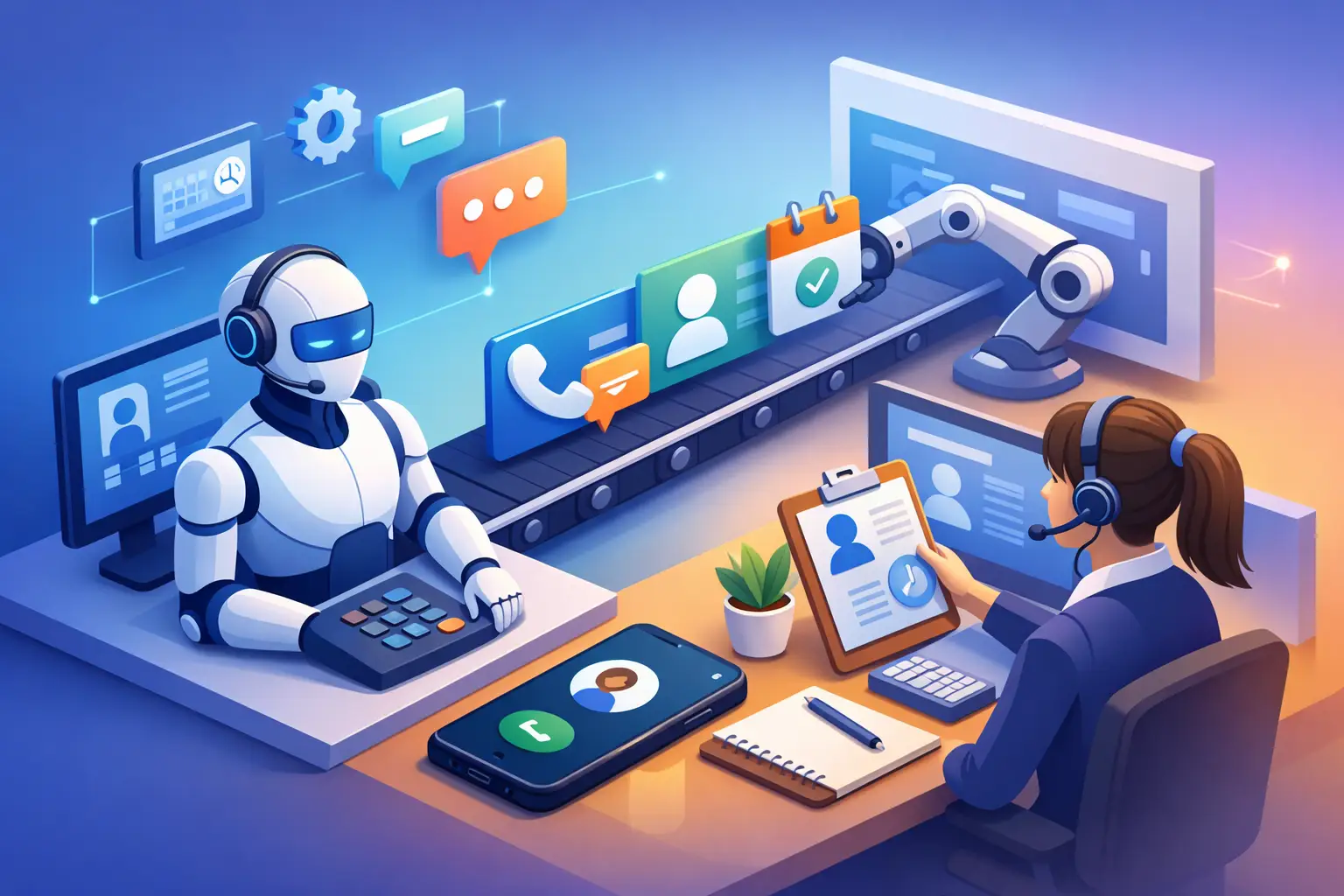
Most appointment-driven businesses do not lose bookings because demand is weak. They lose them in the gap between the phone ringing and someone being available to answer. If you want to know how to automate appointment intake calls, start there: not with AI for its own sake, but with the operational problem of missed inquiries, delayed callbacks, and inconsistent scheduling.
For office managers, owners, and practice administrators, intake calls are not just phone traffic. They are revenue events. A caller may need a consultation, a service visit, a follow-up, or a same-day opening. If that call goes unanswered, reaches voicemail, or gets handled inconsistently by a busy team, the booking risk goes up immediately. Automation works when it replaces that variability with a reliable intake process that answers, qualifies, schedules, and confirms every time.
What appointment intake automation actually means
When businesses talk about automating the front desk, the term can get vague fast. In practice, appointment intake automation means using an AI receptionist or similar system to handle inbound calls that would normally require a staff member to pick up, ask screening questions, collect contact details, offer appointment times, and confirm the booking.
That sounds simple, but the details matter. A useful system does more than answer the phone. It needs to understand why the caller is calling, gather the right information in the right order, route exceptions properly, and connect to your scheduling workflow. If it cannot do those things, you have not automated intake. You have just added another handoff.
The goal is not to remove people from every step. The goal is to automate the repeatable parts of intake so your staff only step in when judgment is actually required.
How to automate appointment intake calls without creating scheduling problems
The fastest way to fail is to automate too broadly before defining your process. Start by mapping what happens on a good intake call today. What information does your team collect? Which callers can be booked immediately? Which ones need triage, approval, or escalation? Which questions are required before an appointment can be offered?
Once that is clear, automation becomes much easier to implement. The system should follow a structured call flow that mirrors your best receptionist behavior. That usually includes greeting the caller, identifying the service need, collecting name and contact information, checking appointment availability, confirming the selected time, and sending a follow-up confirmation.
Where businesses run into trouble is trying to force every type of call into the same path. New appointments, existing patient or client follow-ups, cancellations, reschedules, and urgent requests should not always be handled the same way. Good automation separates those paths early so the call stays efficient and the appointment data stays clean.
Start with the highest-volume call types
Not every intake scenario should be phase one. If your business gets a mix of straightforward booking calls and highly nuanced cases, automate the straightforward ones first. That is where you get immediate lift without introducing unnecessary risk.
For many service businesses, that means first-time appointment requests, standard follow-ups, common service inquiries, and after-hours calls. These are usually repeatable, rules-based interactions. They are also the calls most likely to be missed when the front desk is busy.
More complex intake can come later. If your office has specialty scheduling rules, insurance verification steps, or service eligibility checks, those may need a hybrid model where the AI receptionist gathers initial information and then routes the case to staff. That still reduces load. It just does not attempt to automate the final booking in every situation.
Build the call flow around booking completion
A lot of businesses think they have automated intake because the system answers and takes a message. That is call coverage, not intake automation. The real benchmark is whether the caller ends the interaction with a completed next step.
For standard appointments, that next step should usually be a confirmed booking. The system should be able to offer available times, collect key intake details, and lock in the appointment without requiring a callback. If your process still depends on someone reviewing messages and calling people back later, you have reduced ringing but not friction.
This is where scheduling integration matters. The automation layer must work against real appointment availability, not a static script. Double booking, stale availability, and manual re-entry erase much of the efficiency gain.
What your system needs to collect on every intake call
The exact fields depend on your business, but the principle is consistent: collect only what is necessary to schedule accurately and follow up reliably. At minimum, most appointment-driven businesses need the caller's name, phone number, reason for the appointment, preferred timing, and any service-specific details needed to place the booking correctly.
Collect too little, and staff have to clean up the record later. Collect too much, and the call becomes slow and frustrating. The best intake flows are disciplined. They gather enough to support scheduling, triage, and confirmation, then move on.
It also helps to decide what should happen if the caller cannot complete the process in one interaction. If they hang up, if the schedule is full, or if their case needs approval, the system should still capture the lead and trigger a follow-up workflow. Missed completion should not mean lost inquiry.
Use automation to improve speed-to-lead, not just reduce labor
Labor savings matter, but they are not the only reason to automate appointment intake calls. For many businesses, the bigger payoff is response speed. If a prospect calls and gets immediate assistance instead of voicemail, your booking odds improve. That is especially true after hours, during lunch coverage gaps, and at peak front-desk times.
This is one reason AI receptionist systems are more useful than basic call answering tools. They do not just absorb overflow. They keep the intake process moving when staff are unavailable.
That operational difference matters because most missed calls are not isolated events. They happen in predictable windows: first thing in the morning, during check-in rushes, while the team is helping in-person visitors, or after hours when no one is available. Automation gives you consistent coverage in exactly those moments.
Measure the right outcomes after launch
If you implement automation and only measure call volume, you will miss the real picture. The better metrics are booking rate, missed-call recovery, time-to-confirmation, reschedule handling, and staff time reclaimed from repetitive intake tasks.
You should also watch call outcomes by category. Are new inquiries being booked successfully? Are urgent or exception cases reaching the right person? Are there points in the script where callers drop off? Intake automation should be managed like an operations function, not treated as a one-time software setup.
This is where a receptionist-focused platform has an advantage over a generic conversational tool. You are not trying to make the phone system sound clever. You are trying to produce reliable scheduling outcomes.
Where businesses should keep a human in the loop
Automation is strongest when the process is structured. It is weaker when the call depends on judgment, negotiation, or sensitive exceptions. That does not mean those calls should bypass automation entirely. It means the system should recognize its boundaries and route appropriately.
For example, complaints, billing disputes, unusual service requests, or high-value cases may need direct staff involvement. The right setup is not automation everywhere. It is automation where consistency and speed matter most, paired with escalation where context matters more than efficiency.
That balance is why implementation should be operationally grounded. A good system does not pretend every intake scenario is identical. It applies rules where rules work, then hands off clearly when they do not.
Choosing the right platform for automated intake calls
If you are evaluating options, focus less on flashy AI claims and more on receptionist performance. Can it answer every inbound call? Can it gather the right intake details? Can it schedule in real time? Can it confirm appointments and support follow-up communication? Can it handle overflow, after-hours demand, and routine booking traffic without creating rework for staff?
Those are the questions that matter in live operations. Reliability, scheduling accuracy, and consistent caller handling are what determine whether the system reduces front-desk pressure or adds another layer to manage.
That is also why businesses looking for a practical upgrade often choose a receptionist-specific solution such as Ortuas instead of a broad chatbot platform. Appointment intake is its own workflow. It needs purpose-built handling, not generic automation.
The strongest rollout usually starts with one narrow promise: every caller gets answered, every valid inquiry gets captured, and every standard booking opportunity gets moved forward without delay. Once that is working, expansion becomes straightforward.
If you are considering how to automate appointment intake calls, treat it like a front-desk redesign, not a phone experiment. The businesses that get the best results are the ones that define the workflow clearly, automate the repeatable parts, and keep the booking path simple for callers. When intake gets faster and more consistent, the rest of the schedule tends to follow.
Get tips like this in your inbox
We send practical guides on AI, automation, and growing your service business. No spam.