Guide to Service Inquiry Triage for Faster Booking
August 12, 2026
This guide to service inquiry triage shows appointment-driven teams how to respond, route, schedule, and follow up without losing qualified leads fast.
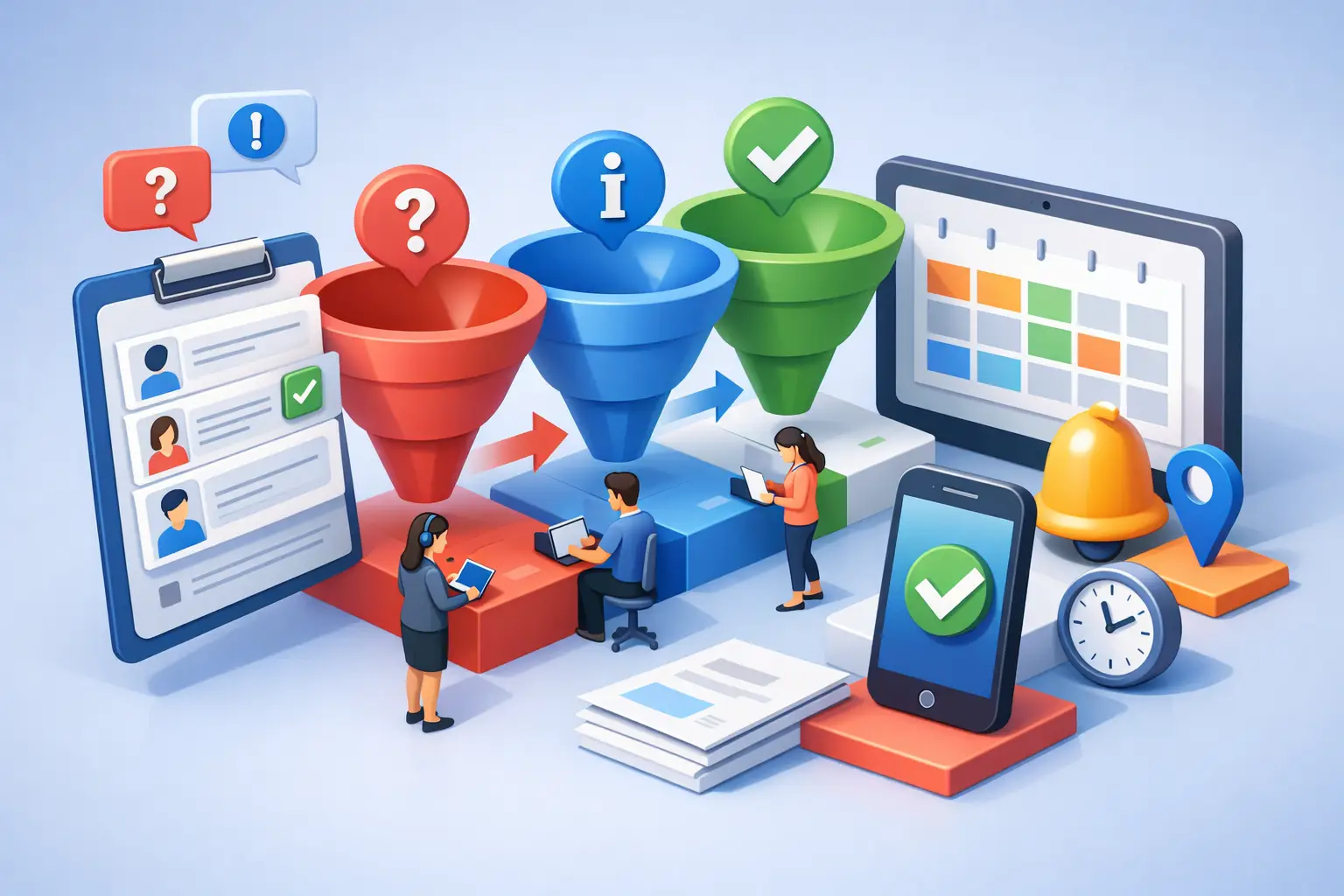
A new inquiry is not just a message waiting in the inbox. For an appointment-driven business, it is a potential booking with a short window for action. This guide to service inquiry triage explains how to identify what each inquiry needs, respond at the right speed, and move qualified prospects toward a confirmed appointment without creating more front-desk work.
Triage is not about treating every caller, text, web form, or chat message the same. It is about applying a consistent process so urgent requests receive immediate attention, appointment-ready leads can book quickly, and routine questions do not interrupt staff who need to serve customers already on the schedule.
Why service inquiry triage affects revenue
When a prospective customer reaches out, they are often comparing providers in real time. If their call goes unanswered or their web inquiry receives a response hours later, they may book elsewhere before your team has a chance to respond.
The operational problem is usually not a lack of demand. It is a lack of reliable intake. Front-desk teams are expected to answer phones, greet arrivals, manage schedules, take payments, respond to messages, and handle exceptions. During busy periods, an inquiry can be missed even when the team is working hard.
A triage process protects against that failure point. It establishes what happens first, who owns the next action, and how the inquiry is tracked until it reaches an outcome. The result is faster speed-to-lead, fewer abandoned calls, and a more consistent experience for every prospective customer.
Build a service inquiry triage framework
A useful framework starts with a simple rule: every inquiry must be captured, classified, and assigned a next step. The categories should be practical enough for a receptionist or automated system to apply in seconds.
Separate urgent needs from appointment requests
Urgent requests need a different path than standard scheduling questions. A customer with a time-sensitive issue may need an immediate escalation, an emergency service window, or clear instructions on what to do next. Sending that person through a standard booking flow can create frustration and, in some industries, unnecessary risk.
Define what qualifies as urgent for your operation. This could include same-day repair needs, a customer already waiting onsite, a cancellation that affects the current schedule, or a clinical concern that requires staff review. Give the front desk a clear escalation destination and a realistic response expectation.
Standard appointment requests should move directly toward availability. The key details are usually the service needed, preferred date and time, customer location when relevant, and contact information. Avoid turning the first interaction into a long intake interview. Capture enough information to schedule correctly, then collect additional details later if needed.
Identify high-intent leads early
Not every inquiry carries the same booking potential. Someone asking, "Do you have an opening this afternoon?" is closer to conversion than someone requesting general pricing information. Both deserve a response, but the first should receive immediate scheduling options.
High-intent signals include requests for availability, questions about a specific service, repeat customers seeking another appointment, and prospects who provide their preferred time. A triage system should recognize these signals and prioritize a direct path to a booking.
Pricing questions require more nuance. If your services have standardized pricing, provide a clear range or starting point along with an invitation to schedule. If pricing depends on an assessment, explain what determines the estimate and offer the earliest appropriate appointment. The goal is not to force a number where one cannot be given. It is to keep the conversation moving.
Route routine questions without slowing down bookings
Hours, location, accepted payment methods, preparation instructions, and service-area questions are common. They should be answered accurately and consistently, but they should not take attention away from active scheduling opportunities.
Create approved answers for frequent questions and set boundaries for what can be answered automatically. Information that changes often, such as same-day availability, should connect to the live calendar or route to the correct staff member. Information that is stable can be handled immediately.
This distinction matters. Over-automating complex questions can create confusion. Under-automating simple ones keeps staff tied up with repetitive work. The right balance depends on your service complexity, calendar rules, and the consequences of giving an incomplete answer.
Set response standards by inquiry type
A triage process only works when response expectations are explicit. "Respond quickly" is not an operating standard. Define a target for each category and measure whether it is met.
For urgent inquiries, the target may be immediate acknowledgement with a live escalation within minutes. For booking-ready leads, the priority is offering available times in the first response. For routine questions, a prompt automated answer may be sufficient, with staff follow-up only when the question requires judgment.
After-hours coverage deserves its own standard. Many service businesses lose leads outside normal office hours because voicemail is the only option. An automated receptionist can answer common questions, capture service needs, offer eligible appointment times, and send confirmation messages while staff are unavailable. It cannot replace professional judgment for every situation, but it can ensure the business is responsive when prospects are most likely to contact it.
Design the handoff so nothing gets lost
A handoff is where many inquiry workflows fail. The customer may receive an initial response, but no one completes the next action. The message sits in a shared inbox, a phone note is incomplete, or a team member assumes someone else owns the follow-up.
Every triaged inquiry should have one of four outcomes: booked, escalated, awaiting customer response, or closed with a documented reason. If an inquiry requires a person, assign it to a role or named owner with a deadline. If it is awaiting customer input, schedule a follow-up rather than relying on memory.
The information passed to staff should be concise and useful: customer name, contact method, requested service, urgency level, preferred appointment window, and any issue that requires context. A long transcript is less useful than a clean operational summary.
Confirmation is part of the handoff, too. Once an appointment is set, the customer should know the date, time, location or service address, preparation requirements, and how to reschedule. Clear confirmation reduces no-shows and prevents avoidable inbound calls.
Use automation where it improves reception coverage
Automation should support the front desk, not add another system for staff to monitor. The strongest use cases are repetitive, time-sensitive tasks: answering inbound calls, capturing lead details, checking appointment availability, scheduling within defined rules, and sending confirmations or follow-up messages.
An AI receptionist can provide consistent first-response coverage across calls and messages, particularly when the office is busy or closed. For service businesses, that means more inquiries receive an answer and more qualified prospects receive a direct booking path.
The limits should be clear. Sensitive situations, unusual service requests, complaints, disputes, and questions that require licensed or specialized judgment need an escalation route. A reliable system is not one that tries to answer everything. It is one that knows when to capture context and transfer responsibility to the right person.
Ortuas is designed around this reception layer: capturing inbound inquiries, handling appointment workflows, and maintaining customer communication without requiring another employee to cover every call and scheduling request.
Measure the triage process, not just call volume
Call count alone does not show whether reception is supporting growth. Track the journey from first inquiry to appointment outcome. Useful measures include response time, missed-call capture rate, inquiry-to-booking conversion rate, after-hours bookings, no-show rate, and the number of inquiries requiring manual follow-up.
Review the inquiries that did not convert. Some will be poor fits, and that is expected. Others may reveal operational gaps: no availability offered quickly enough, unclear pricing communication, too many transfers, or messages left without a follow-up.
Use these findings to refine categories and scripts. If staff repeatedly receive the same question, automate a clear answer. If urgent cases are being misclassified, improve the intake prompts. If a particular service produces low booking conversion, examine whether the scheduling path asks for too much too soon.
Keep triage simple enough to use every day
A detailed decision tree can look impressive and still fail at the front desk. If a process requires staff to interpret ten categories before responding to a caller, it will slow down under real workload.
Start with the few decisions that affect the customer outcome: Is this urgent? Is the person ready to book? Can the question be answered immediately? Does a staff member need to take over? Then make the next action obvious.
The best service inquiry triage process gives customers a fast, dependable response while giving your team fewer loose ends to chase. When every inquiry has a clear path to a booking, an answer, or an accountable handoff, the front desk becomes a more reliable source of scheduled revenue rather than a daily bottleneck.
Get tips like this in your inbox
We send practical guides on AI, automation, and growing your service business. No spam.