Front Desk Automation Buyer Guide
May 2, 2026
A front desk automation buyer guide for service businesses comparing features, workflows, costs, and rollout factors that affect booking volume.
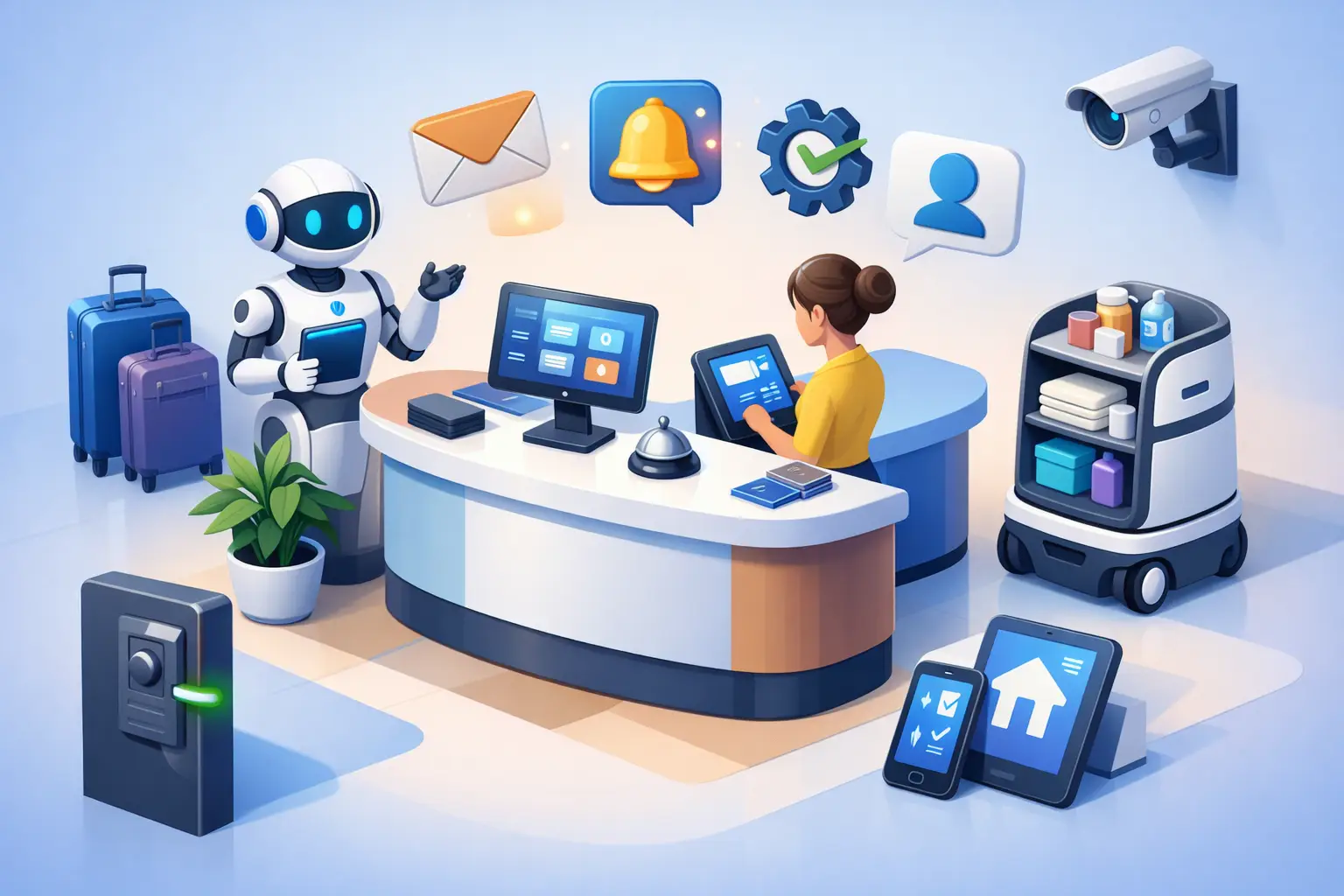
Missed calls rarely look dramatic on a report, but they show up everywhere else - slower booking volume, more voicemail cleanup, uneven follow-up, and a front desk team stuck in constant catch-up mode. This front desk automation buyer guide is for service businesses that depend on inbound inquiries and appointments, and need a system that improves response time without creating more admin work.
Most buyers do not need another general AI tool. They need reliable front-desk coverage. That means answering common questions, handling scheduling, capturing lead details, routing urgent issues, and keeping communication consistent when the office is busy, short-staffed, or closed. The right purchase is less about novelty and more about operational fit.
What front desk automation should actually solve
Front-desk automation is often marketed as a broad customer service upgrade. For appointment-driven businesses, that framing is too vague. The real question is whether the system can protect revenue at the point where inquiries turn into booked appointments.
If your business depends on calls, texts, web inquiries, or after-hours requests, the front desk is not just an administrative function. It is part of sales, retention, and scheduling operations. Automation should reduce dropped opportunities, not just reduce labor time. That distinction matters because some tools are excellent at answering simple questions but weak at converting intent into a scheduled appointment.
A useful system should cover the moments where front desks usually break down: peak call times, lunch gaps, after-hours inquiries, repeat scheduling questions, appointment confirmation, and follow-up when staff cannot respond immediately. If a platform cannot handle those moments well, it may add technology without fixing the real bottleneck.
Front desk automation buyer guide: start with workflow, not features
Buyers often begin by comparing features across vendors. That is understandable, but it can lead to the wrong decision. A better approach is to map your actual front-desk workflow first.
Start with volume. How many inbound calls, texts, form submissions, and appointment requests come in each day? Then look at timing. When do you miss the most inquiries - after hours, during lunch, while staff are serving customers, or when volume spikes unexpectedly? Next, review the handoff points. Where do leads stall, where do appointments go unconfirmed, and where does staff spend time repeating the same answers?
Once those patterns are clear, feature evaluation gets easier. For example, a business with high call volume but simple scheduling needs may prioritize call answering and appointment booking above everything else. A practice with more nuanced intake may need stronger routing logic and escalation controls. A multi-location operator may care more about consistency and standardized messaging than a single office would.
This is why a front desk automation buyer guide should focus on workflows before checklists. A long list of capabilities is not useful if the system does not match the way your front desk actually runs.
The capabilities that matter most
The first capability to evaluate is inquiry capture. If the system misses caller details, fails to log intent clearly, or lets requests disappear into a queue, the rest of the automation stack does not matter much. Every inquiry should be captured, categorized, and directed into a defined next step.
The second is appointment handling. This includes scheduling, rescheduling, cancellations, confirmations, and reminders. Many platforms can answer questions, but fewer can manage the appointment process in a way that reduces staff effort while maintaining booking accuracy. Buyers should test whether the system can handle realistic scheduling scenarios, not just ideal ones.
The third is communication consistency. Customers should get clear, usable responses whether they call at 10 a.m. or 10 p.m. That does not mean every interaction should sound identical. It means the system should reliably represent your business rules, hours, availability, and next steps.
The fourth is escalation. Not every inquiry should stay inside automation. Some need a human handoff because they are urgent, sensitive, or operationally unusual. A good system does not try to automate everything. It knows when to route quickly and cleanly.
Finally, look at reporting. You should be able to see call volume, missed opportunities, booked appointments, response timing, and handoff patterns. If reporting is weak, it becomes harder to prove business impact or improve the workflow over time.
Questions to ask before you buy
The best buyer questions are operational. Ask how the system handles a new lead calling after hours. Ask what happens when someone needs to reschedule for the same week. Ask how it responds when no appointment slots are available. Ask how urgent inquiries are flagged and who receives them.
You should also ask about setup and maintenance. Some platforms require constant prompt tuning or heavy internal oversight. That may be acceptable for a large team, but many service businesses need a system that runs dependably without daily intervention. Automation should remove front-desk strain, not create a new layer of technical management.
Integration questions matter too, but they should stay practical. Does the system work with your calendar or scheduling process? Can it capture inquiry details in the tools your team already uses? Will your staff need to duplicate work across systems? Buyers often overfocus on broad integration claims and underfocus on whether the day-to-day workflow gets simpler.
Where buyers get distracted
A common mistake is choosing a platform because it sounds advanced rather than because it performs well at reception tasks. General-purpose AI products may be impressive in demos but weak in appointment operations. If your business depends on booking throughput, consistency beats novelty.
Another mistake is assuming any automation will reduce labor immediately. Sometimes the first phase shifts labor rather than eliminating it. For example, you may reduce missed calls and voicemail cleanup, but still need staff to handle exceptions during rollout. That is normal. The key is whether the system improves coverage and conversion enough to justify the change.
Price can also distract buyers in both directions. The cheapest option may leave too many workflow gaps, while the most expensive option may bundle features your front desk does not need. The better question is cost against preventable loss. If missed inquiries and delayed follow-up are already costing appointments, labor savings are only part of the value.
How to compare vendors realistically
Run the comparison through real front-desk scenarios. Use your top five inquiry types and your top five scheduling situations. Ask each vendor to show how the system handles them from first contact through resolution or handoff.
Pay attention to response quality, but also to process control. Can the system follow business rules accurately? Does it gather the information your staff actually needs? Does it move the customer toward an appointment, or just keep the conversation going?
It also helps to evaluate rollout burden. A platform that looks strong on paper may require too much internal coordination to launch cleanly. For busy offices, speed to usable performance matters. A reliable automation layer should be easier to operationalize than hiring, training, and backfilling front-desk coverage.
For many appointment-driven businesses, this is where a receptionist-focused solution stands apart from a broad support platform. A specialized system is more likely to align with lead capture, scheduling, confirmations, and routine front-desk communication. That narrower focus can be an advantage if your goal is better appointment handling rather than a full customer support overhaul. That is the lane Ortuas is built for.
Signs a platform is a strong fit
A strong fit usually looks simple in practice. Inquiries get answered. Appointments get booked. Customers receive clear next steps. Staff spend less time chasing voicemails and repeating routine information. Managers can see what is happening without pulling reports from three systems.
You should also see better coverage beyond normal front-desk hours. That matters because customer intent does not pause when your staff clock out. For many service businesses, after-hours responsiveness is one of the fastest ways to improve booking capture without adding headcount.
The final sign is adoption. If staff trust the system, they use it. If customers get accurate, timely responses, they stay in the process. Good front-desk automation does not ask your operation to revolve around the tool. It supports the operation you already need to run.
Buying for the next year, not just the next month
A short-term patch can help during staffing gaps, but most buyers should think one step further. Choose a platform that can support growing inquiry volume, broader hours, and more standardized communication as your business scales. That does not mean buying the biggest system available. It means buying one that can keep pace with real front-desk demand.
The strongest purchase decisions come from clarity on what the front desk must accomplish every day: capture demand, convert it into appointments, and keep communication moving without delay. If a platform improves those outcomes consistently, it is not just another software expense. It becomes part of how your business protects revenue and maintains service quality.
A good buyer decision should feel less like adding AI and more like fixing a coverage problem that has been costing you time, bookings, and attention all along.
Get tips like this in your inbox
We send practical guides on AI, automation, and growing your service business. No spam.