AI Receptionist Implementation Guide for Teams
February 24, 2026
AI receptionist implementation guide for service businesses: scope, setup, call flows, scheduling, training, testing, and rollout for reliable booking.
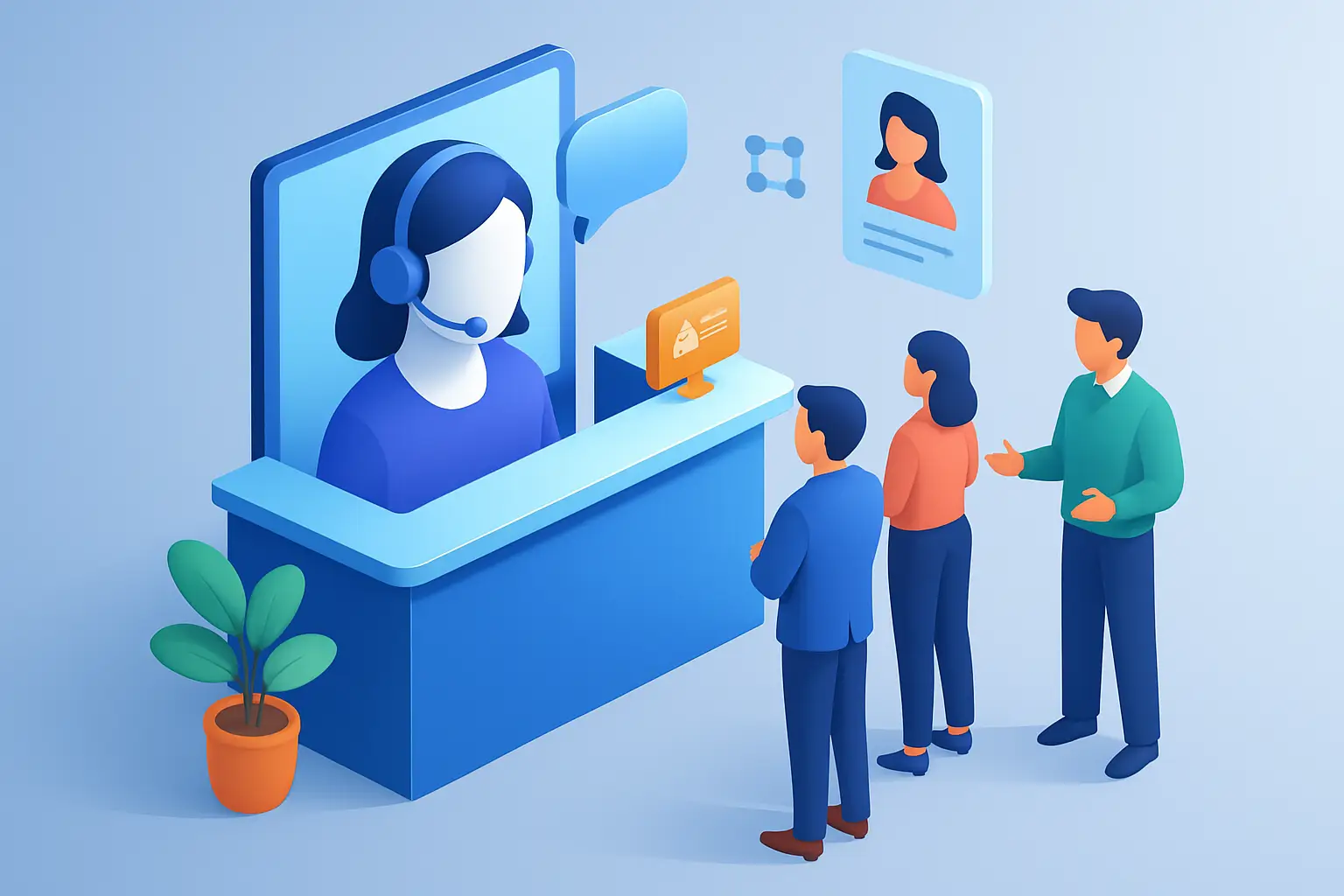
Most front desks do not fail because the team is careless. They fail because volume is spiky, phones ring while staff are checking in patients or customers, and after-hours inquiries hit voicemail. The cost is measurable: missed calls, slow follow-up, and appointments that never get booked.
An AI receptionist can close those gaps, but only if you implement it like an operations project, not a gadget. This guide focuses on practical setup decisions that affect booking conversion, customer experience, and staff workload.
What you are implementing (and what you are not)
An AI receptionist is best treated as automated front-desk coverage for inbound inquiries and appointment handling. It should answer common questions, capture lead details, route exceptions, and schedule or confirm appointments based on rules you control.
It is not a replacement for clinical judgment, complex troubleshooting, or high-stakes customer disputes. When a caller needs empathy, policy exceptions, or a nuanced decision, your system should escalate cleanly to a person. The goal is consistent intake and scheduling throughput, not to force automation into every conversation.
Define scope before you touch settings
Implementation goes faster when you decide what “done” means. Start with three scope choices.
First, decide channels. If calls are your biggest leak, start there. If web chat or SMS is where leads come in after hours, include those early. Adding every channel at once is possible, but it multiplies testing time.
Second, decide use cases. For most appointment-driven businesses, the first set should be: new inquiry intake, rescheduling, confirmations, and basic FAQs like hours, location, pricing ranges, and required paperwork.
Third, decide coverage windows. Many teams start with after-hours and overflow, then expand to full-time coverage once staff trust the handoffs. Others go all-in immediately to standardize reception quality. Either can work. It depends on how sensitive your calls are and how much staffing pain you are trying to remove.
Map your current call and booking flow
You do not need a perfect process map. You do need clarity on what happens today when someone contacts you.
Identify how callers reach you, what a successful interaction looks like, and where handoffs occur. Pay attention to the moments that cause delays: put on hold, “we’ll call you back,” missing information, or unclear appointment types.
Then decide the target behavior for the AI receptionist. For example, if a new lead calls, you may want it to capture name, phone, email, service requested, preferred times, and urgency, then book immediately when rules allow. If rules do not allow, it should create a clear task for staff with complete context.
Get your data and rules ready
AI reception works when it has authoritative business rules. Without them, it guesses. Before configuration, gather and standardize:
Your hours, holiday closures, location info, and parking or arrival instructions. If you have multiple locations, define how callers should be routed.
Your service catalog and appointment types. Keep it simple. If you have 40 variants, group them into a small set the receptionist can reliably distinguish, then let staff refine internally.
Your scheduling constraints. These include lead times, buffer times, provider availability rules, and what qualifies for same-day service.
Your escalation rules. Define what must go to a human immediately, what can wait, and who owns each queue. A clean escalation policy protects customer experience and prevents staff from being surprised.
Choose the integration approach for scheduling
Scheduling is where implementation choices have the biggest operational impact. There are typically two patterns.
One is direct booking into your calendar or scheduling system. This maximizes conversion because the caller leaves with a confirmed time. It requires accurate appointment types and availability rules.
The other is request-based scheduling. The AI receptionist collects details and preferred windows, then staff confirm later. This is safer when schedules are complex, but it can reduce conversion if follow-up is slow.
A hybrid often works well: direct book for standard appointment types, request-based for anything that needs review.
Build call flows that reflect real customer behavior
A good receptionist does not interrogate. It guides.
Start with a tight opening that sets expectations and offers two or three paths. New customers and existing customers behave differently, so split early. Then keep questions minimal and purposeful. Every question should either enable scheduling, improve routing, or reduce back-and-forth.
If you need insurance details, membership status, or equipment model numbers, ask only when they change the next step. Otherwise, collect it later through a confirmation text or intake form.
Also decide how you handle ambiguity. Callers often say, “I need to come in” or “I have a question.” Your flow should offer quick clarifiers that translate vague intent into schedulable categories without making the caller feel like they picked the wrong menu option.
Design escalation so staff trust the system
Staff resistance usually comes from bad handoffs. If the AI receptionist escalates without context, staff have to restart the conversation, and customers get frustrated.
Define what an escalation package must include. At minimum: caller identity, reason for contact in plain language, any constraints mentioned, and the next recommended action. If it is a booking issue, include the attempted time slots and why booking did not complete.
Then define service levels. If it is urgent, route it to a live phone line or on-call number. If it is non-urgent, create a task with a due time. The point is to replace “someone will get back to you” with an operationally enforceable handoff.
Write the knowledge base like an operating manual
Your AI receptionist will be as consistent as the content you give it. Avoid marketing copy. Use definitive, operational language.
For FAQs, write answers that end with the next step. Instead of explaining everything about your cancellation policy, state the rule and tell the caller how to reschedule. Instead of listing every service detail, identify what you need to book and what you will confirm at the appointment.
Keep versions controlled. If pricing, hours, or eligibility rules change, update one source of truth. Outdated information is worse than no information because it creates rework and erodes trust.
Set the guardrails that prevent costly mistakes
You are automating a front desk, so build limits.
Decide what the receptionist should never do, such as giving medical advice, committing to refunds, or quoting exact prices when variables apply. For those scenarios, it should explain the boundary and route to a person.
Decide what information is required before booking. If you need a deposit, a referral, or a signed form, build that into the flow so you do not fill the calendar with appointments that will later be canceled.
Decide how to handle edge cases like minors, shared family accounts, or third-party callers. If your business sees these often, add specific prompts and verification steps.
Test like you are trying to break it
Testing is where you protect conversion and prevent chaos on day one.
Start with scripted tests that cover your top call reasons. Then move to adversarial tests: callers who change their mind midstream, callers who give partial information, callers who ask unrelated questions, callers who want “the earliest” appointment, and callers who insist on a specific staff member.
Run tests across different times: during business hours, after hours, and on weekends. Availability logic and routing often behave differently depending on time.
Most teams also need a short internal pilot. Route a percentage of calls to the AI receptionist while staff monitor outcomes. You are looking for two things: completion rate for bookings and quality of escalations.
Plan the rollout so customers do not notice turbulence
A phased rollout reduces risk.
Many service businesses start with overflow coverage so staff can still catch anything unusual. Once the flows are stable, they expand to after-hours coverage to capture leads that would otherwise go to voicemail. Full-time coverage can come next, especially if the goal is to standardize intake and reduce training burden.
Tell your team what is changing and what is not. Clarify who owns escalations, where transcripts or call notes live, and how quickly staff must act on non-urgent follow-ups.
If you use call recording or transcripts, make sure your internal policy and customer disclosures match your local requirements and your industry’s expectations.
Track the metrics that tie directly to revenue and workload
Do not measure “AI usage” as a vanity metric. Measure operational outcomes.
Start with missed call rate, speed-to-lead, booking conversion from inbound inquiries, and the percentage of appointments confirmed without staff involvement. Then track rework: how often staff have to call back for missing information, and how often escalations are misrouted.
Also watch customer sentiment signals you already have, such as complaint tags, cancellations tied to communication issues, or low ratings that mention “couldn’t reach anyone.” Those are often the first places you see improvement.
Common implementation trade-offs (and how to decide)
Direct booking versus request-based scheduling is the big one. If your appointment types are standardized and your calendar is reliable, direct booking is usually worth it. If your schedule changes constantly or you need triage, request-based may protect you from bad bookings.
Another trade-off is how much personality you allow. A friendly tone is fine. Overly casual language can feel wrong in legal, medical, or financial contexts. Match what a strong human receptionist would sound like in your business.
Finally, decide how strict you are about data collection. Collecting every field up front can reduce downstream work, but it can also increase abandonment. If your leads are price-sensitive or shopping around, keep intake light and focus on getting them booked.
Choosing a receptionist platform with implementation in mind
When you evaluate vendors, look beyond demos. Your implementation will succeed if the platform supports dependable call handling, configurable scheduling rules, clear escalation, and consistent communication across follow-ups.
If your priority is an AI receptionist focused specifically on intake, routing, and appointment workflows rather than a general chatbot, Ortuas is built for that operational job. You can see how it’s positioned at https://ortuas.com.
A good vendor should also make it easy to iterate. Your first version will not be perfect. You want fast updates to call flows, business rules, and knowledge content without a long services engagement.
Closing thought
If you treat your AI receptionist like a new hire, you will spend months “training” it and still feel unsure. Treat it like front-desk infrastructure: define rules, test failure modes, and measure throughput. The payoff is not novelty. It is fewer missed opportunities and a reception experience your business can actually rely on.
Get tips like this in your inbox
We send practical guides on AI, automation, and growing your service business. No spam.