AI Receptionist for Appointment Scheduling
March 29, 2026
See how an ai receptionist for appointment scheduling helps service businesses capture more inquiries, book faster, and reduce front-desk workload.
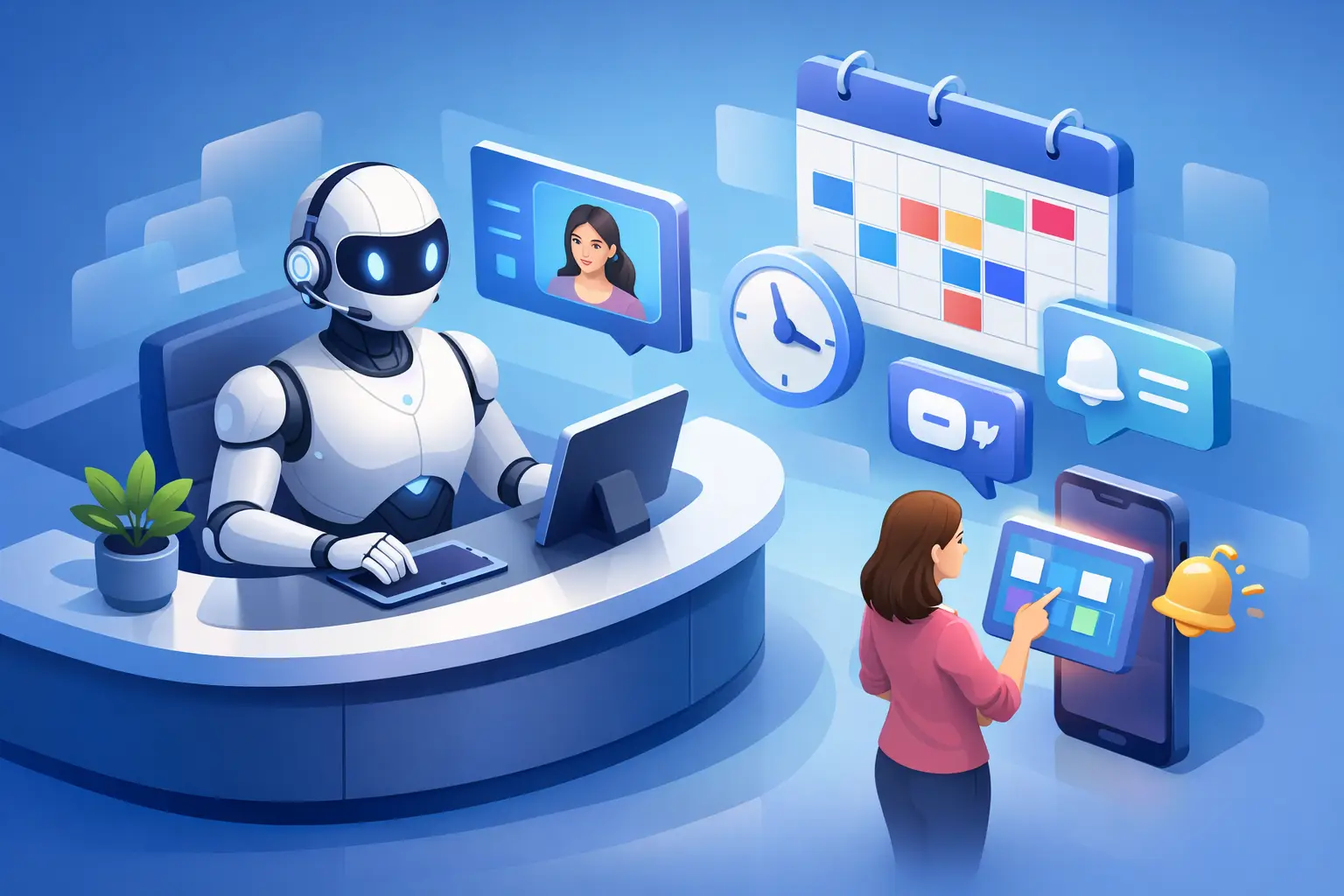
A missed call at 4:52 PM can turn into a lost appointment by 5:03. For service businesses, that gap matters. An ai receptionist for appointment scheduling closes it by answering inbound inquiries, handling booking requests, and keeping customer communication moving even when the front desk is busy, understaffed, or off the clock.
That matters most in businesses where appointments drive revenue. If your team depends on fast response times to convert inquiries into booked visits, scheduling is not just an admin task. It is part of sales, customer experience, and daily operations. When calls go unanswered or messages sit too long, the damage shows up in lower booking volume, more manual cleanup, and a front desk that spends too much time reacting instead of managing the schedule.
What an AI receptionist for appointment scheduling actually does
A true receptionist system is not just a chat widget with a calendar connection. It is built to handle the front-desk workflow around appointments. That includes answering initial inquiries, collecting key customer details, identifying the reason for the visit, offering available times, confirming bookings, and following up with the right communication.
In practice, that means the system is covering the work that usually gets split across calls, texts, inboxes, and a tired employee toggling between screens. It responds immediately, keeps the interaction consistent, and moves the customer toward a scheduled appointment without requiring live staff involvement at every step.
The distinction matters. Many businesses have already tried general AI tools and found that they can answer simple questions but do not hold up well in actual scheduling operations. Appointment handling requires structure. It needs the right intake flow, the right routing logic, and clear confirmation steps. If the system cannot reliably move an inquiry into the calendar, it is not solving the front-desk problem.
Why scheduling breaks at the front desk
Most appointment bottlenecks are not caused by bad staff. They come from uneven demand and limited coverage. Calls cluster at the wrong time. The person answering the phone is also checking in customers. A lunch break turns into a queue. After-hours inquiries wait until morning, when some of those prospects have already booked somewhere else.
The front desk is usually handling too many jobs at once. Answering questions, confirming tomorrow's bookings, rescheduling no-shows, routing messages, and responding to new inquiries all compete for attention. Scheduling suffers because it feels urgent but repetitive. It is exactly the kind of work that gets delayed when the office gets busy.
An AI receptionist for appointment scheduling helps by removing that dependency on live availability. It does not get pulled into another task. It does not miss a call because someone is helping a walk-in customer. It gives every inbound inquiry the same fast response, which is often the difference between a booked appointment and a lost lead.
Where the business impact shows up first
For most operators, the first measurable change is not abstract efficiency. It is a cleaner booking pipeline. More inquiries get answered. More callers receive a next step. Fewer appointment requests stall in voicemail, inboxes, or handwritten notes.
That creates three immediate operational gains.
First, speed-to-lead improves. The faster a business responds, the more likely that inquiry turns into a scheduled appointment. This is especially true for high-intent prospects who are actively trying to book, not just browse.
Second, staff workload drops in the places that create the most friction. Instead of manually repeating availability, collecting basic details, and confirming routine bookings, the team can focus on exceptions, higher-value conversations, and in-office service.
Third, communication becomes more consistent. Customers receive the same intake process, the same confirmation flow, and the same level of responsiveness regardless of when they contact the business. That consistency is hard to maintain with a fully manual front desk, especially across busy periods and staffing changes.
Not every business needs the same scheduling setup
This is where trade-offs matter. The right setup depends on how your appointments work.
If your business has straightforward appointment types and clear time slots, automation can take on a large share of the scheduling workload. If your scheduling rules are more complex, the AI may need to gather details, qualify the request, and route only certain cases to staff. That is still valuable because it reduces the volume of routine front-desk work while preserving control where nuance is required.
Service businesses with strong inbound demand often benefit the most. If missed calls, after-hours inquiries, and inconsistent follow-up are already affecting booking volume, the return shows up quickly. On the other hand, if most appointments are recurring and booked in person with minimal new inquiry volume, the gains may be more about communication consistency and staff coverage than major conversion lift.
The point is not to force every workflow into full automation. It is to use automation where it performs reliably and keep humans involved where judgment matters.
How to evaluate an AI receptionist for appointment scheduling
Start with the actual front-desk failure points, not the feature list. If your biggest issue is unanswered calls, prioritize reliable inbound coverage. If your problem is manual back-and-forth around booking, focus on intake and confirmation flow. If no-shows are creating schedule waste, look closely at follow-up communication.
You should also ask whether the system is designed around receptionist functions or whether scheduling is just one module inside a broader tool. That difference affects performance. A receptionist-first platform is built around capturing inquiries, handling booking conversations, routing issues correctly, and maintaining continuity across customer touchpoints.
Look for clear operational outcomes. Can it capture leads consistently? Can it move qualified inquiries to booked appointments? Can it reduce the number of routine interactions your staff handles manually? Can it maintain communication outside business hours without creating confusion?
Implementation should also be practical. If setup requires rebuilding your whole process from scratch, adoption slows down. The best systems fit into existing operations, reflect your booking rules, and start producing usable front-desk coverage without turning into an IT project.
What good implementation looks like
A good rollout starts with one goal: make sure no legitimate inquiry goes unhandled. From there, the workflow can expand.
That usually means defining appointment types, intake questions, business hours, escalation rules, and confirmation steps. It also means deciding where the AI should handle the interaction fully and where it should pass the conversation to staff. The cleaner those rules are, the more reliable the result.
It is also smart to measure the right things early. Booking volume matters, but so do response time, missed inquiry rate, after-hours capture, and how much manual front-desk time is being reduced. These are the metrics that show whether the system is actually improving appointment operations.
Businesses that treat implementation as an operational change, not just a software install, usually get better results. Scheduling performance improves when the receptionist layer, communication flow, and staff handoff process are all aligned.
The case for a receptionist-first approach
There is a reason many businesses are moving away from patching together phone coverage, text tools, and manual scheduling habits. Fragmented front-desk workflows create inconsistency. Customers do not care whether the breakdown happened in the phone queue, the inbox, or the calendar handoff. They only notice that they did not get a timely response.
A receptionist-first automation layer fixes that by treating appointment handling as one connected process. Inquiry capture, scheduling, confirmation, and follow-up work better when they are part of the same system rather than separate tasks held together by staff effort.
That is the practical value of a platform like Ortuas. It is not trying to be everything. It is focused on the receptionist function that most directly affects booking throughput and customer responsiveness.
For businesses that rely on appointments, the real question is not whether AI can answer messages. It is whether your front desk can keep pace with demand without adding more labor cost and more process gaps. If the answer is no, then improving scheduling coverage is not a future project. It is one of the fastest ways to protect revenue already trying to reach you.
Get tips like this in your inbox
We send practical guides on AI, automation, and growing your service business. No spam.