AI Call Routing Examples That Improve Booking
September 12, 2026
See practical AI call routing examples that capture inquiries, direct callers, and turn more conversations into confirmed appointments for service teams.
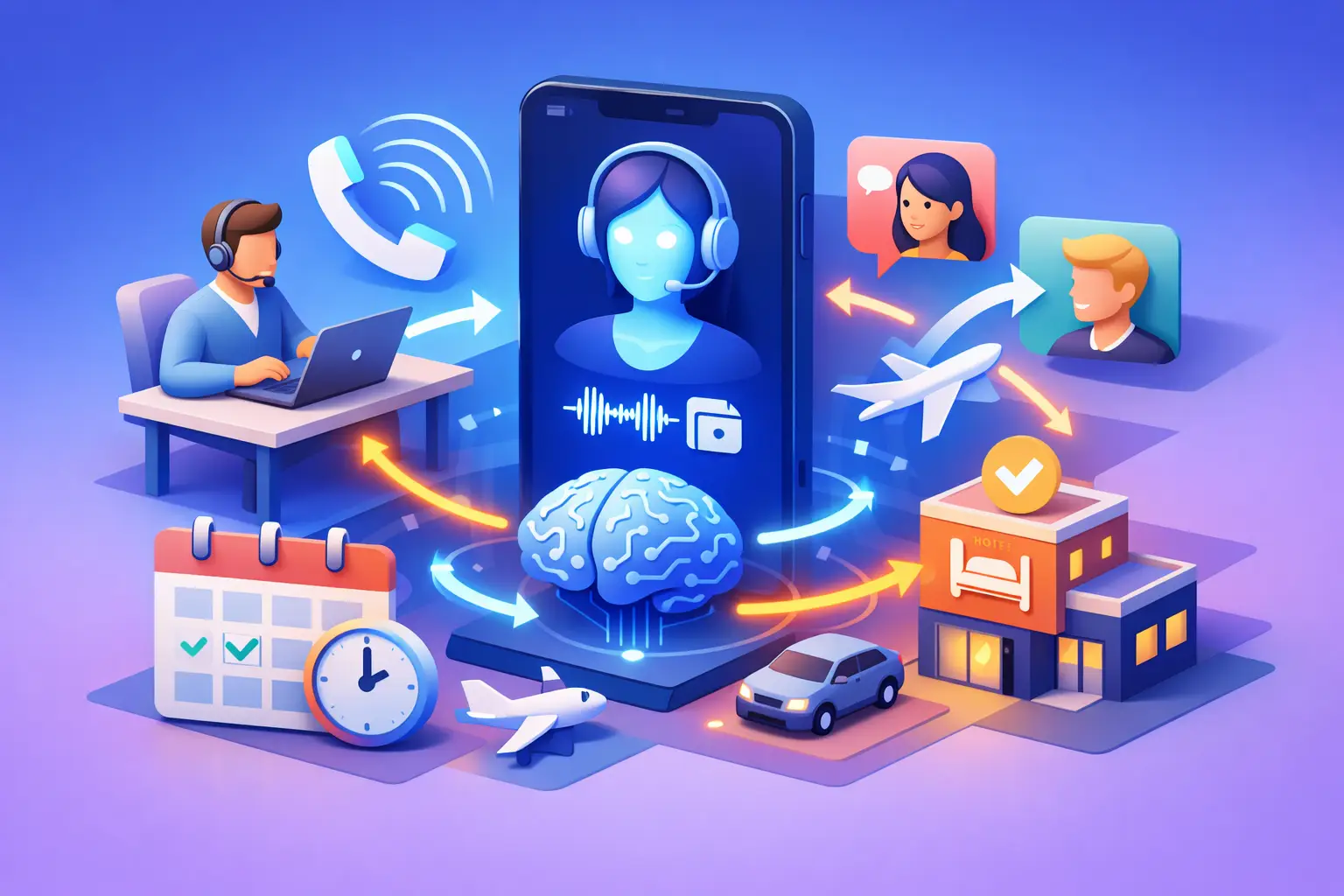
A caller reaches your business at 6:15 p.m., asks whether you have an opening this week, and hangs up after voicemail. That is not simply a missed call. It is a missed opportunity to schedule, qualify a lead, or protect an existing customer relationship. The right AI call routing examples show how an automated receptionist can turn those moments into organized next steps.
For appointment-driven businesses, routing is more than sending calls to the correct extension. It is the process of recognizing why someone is calling, collecting the information needed to act, and moving that person toward an appointment, answer, or appropriate team member. When configured around real front-desk workflows, AI routing improves response speed without adding another administrative burden to the office.
What AI Call Routing Should Do
Traditional phone trees ask callers to choose an option and then hope the selected path matches their need. AI call routing uses conversational prompts to understand intent. A caller can say, “I need to reschedule,” “Do you take new clients?” or “Can I talk to billing?” The system identifies the request and follows the business rules set for that type of call.
That does not mean every call should go straight to a person. In many cases, the highest-value outcome is to complete a routine task immediately. Booking an appointment, confirming a time, answering approved service questions, or taking a detailed message can resolve the call faster than placing someone on hold.
The practical standard is simple: callers should get a useful response, and staff should receive only the calls or follow-up tasks that require their judgment.
AI Call Routing Examples for Service Businesses
1. New lead calls after business hours
A prospective customer calls after the office closes and asks about availability, pricing range, or whether the business handles a specific service. Instead of recording a generic voicemail, the AI receptionist can answer basic approved questions, collect the caller’s name and contact information, and offer available appointment times.
If the caller is ready to book, the system confirms the appointment and sends the relevant notification. If the request requires a quote, consultation, or service-area review, it captures the necessary details and routes the lead to the right person for follow-up the next business day.
This route works because it prioritizes speed-to-lead. A prospect who receives a response while interest is high is more likely to book than one who must wait for a callback.
2. Existing customers who need to reschedule
Rescheduling calls are routine, but they can consume a surprising amount of front-desk time during busy periods. An AI receptionist can verify basic appointment details, check approved availability, present alternative times, and confirm the updated appointment.
There are limits. Complex appointments, service dependencies, provider-specific requests, or cancellations with financial implications may need staff review. The routing rule should distinguish between a simple time change and an exception that needs a human decision.
The result is a cleaner schedule and fewer interruptions for staff who are checking in customers, supporting clients, or handling in-person work.
3. Urgent requests that require immediate escalation
Not every caller should enter a scheduling flow. A property service company may need to identify active leaks or loss of heat. A legal office may need to recognize a deadline-sensitive matter. A medical or wellness practice may need a clearly defined process for urgent concerns.
In these cases, the AI asks a short set of qualifying questions and routes the call according to a preapproved escalation plan. That may mean transferring to an on-call team member, providing emergency instructions, or creating a high-priority alert.
The key is disciplined setup. The AI should not make clinical, legal, or safety judgments outside its defined scope. It should recognize approved trigger phrases, gather facts, and get the situation to the right human quickly.
4. Billing and account questions
Billing calls often reach the same front desk that manages appointments, even though the answer may sit with a different team member. AI routing can identify whether the caller needs a receipt, has a payment question, wants to update account information, or disputes a charge.
For straightforward requests, the system can collect identifying details and create a structured message for the billing team. For more sensitive or complex matters, it can transfer during business hours or schedule a callback window. This avoids sending every financial question through a general queue where it may be delayed or lost.
5. Calls from vendors, partners, and non-customer contacts
A receptionist should protect staff time as well as serve customers. Vendors, sales representatives, delivery providers, and referral partners have legitimate reasons to call, but they should not be treated like new appointment inquiries.
An AI receptionist can ask the caller’s company, purpose, and requested contact. It can then forward a concise message, transfer approved partners, or politely decline unsolicited sales calls based on office policy. This gives customer-facing staff fewer interruptions while preserving important business communication.
6. Service-specific qualification before scheduling
Some businesses need a few details before an appointment makes sense. A home service company may need the property type and service issue. A consulting firm may need the type of matter. A specialty practice may need to know whether the caller is new or returning and what service they are seeking.
AI routing can ask those questions in a natural conversation before offering the correct appointment type. That helps prevent a 15-minute booking for an issue that requires a longer consultation, a different provider, or a pre-visit form.
The trade-off is caller effort. Asking too many questions feels like an interrogation and can increase abandonment. Start with the minimum information needed to route or schedule accurately, then let staff collect deeper details later.
How to Build Routing Rules That Work
The best routing design begins with call data, not assumptions. Review recent missed calls, voicemail messages, front-desk notes, and appointment changes. Look for the reasons people call most often, the questions staff answer repeatedly, and the calls that create bottlenecks.
Then define a clear destination for each major intent. A destination may be an immediate booking flow, an answer from an approved knowledge base, a live transfer, a callback task, or an urgent escalation. If the destination is vague, the caller experience will be vague too.
Use plain language in prompts. Callers do not describe their needs using internal department names. “I need to change my appointment” is clearer than “Select scheduling administration.” A conversational system should be able to recognize everyday phrasing, including incomplete sentences and common variations.
Set escalation boundaries early. Specify when the AI should transfer, when it should take a message, and when it should offer a callback. This matters most for complaints, sensitive account issues, emergencies, and requests that fall outside standard services. Consistency builds trust, but a rigid system that cannot hand off an exception will create frustration.
Finally, review outcomes regularly. Track how many callers booked, transferred, abandoned, or required follow-up. Check whether messages contain enough detail for staff to act without calling back for basic information. Routing rules should change as your services, hours, staffing, and scheduling availability change.
What Good AI Routing Sounds Like
A well-designed AI receptionist does not need to sound overly scripted or make promises it cannot keep. It should greet the caller, identify the business, establish the reason for the call, and take the next appropriate action with minimal back-and-forth.
For example: “Thanks for calling. Are you looking to schedule an appointment, change an existing appointment, or get help with something else?” If a caller says they want to schedule, the next prompt should address the relevant service and availability, not send them back through a broad menu.
Ortuas applies this receptionist-first approach to inbound calls, appointment handling, and customer communication workflows. The goal is not to automate every conversation. It is to make sure every inquiry is captured and moved forward according to a dependable process.
The strongest call routing setup is one your team barely has to think about. Customers receive a prompt response, appointments reach the calendar, urgent issues reach the right person, and staff begin each day with fewer loose ends to chase.
Get tips like this in your inbox
We send practical guides on AI, automation, and growing your service business. No spam.